Segmentation
Part of Email list segmentation for campaigns
Separating recent buyers from prospective customers
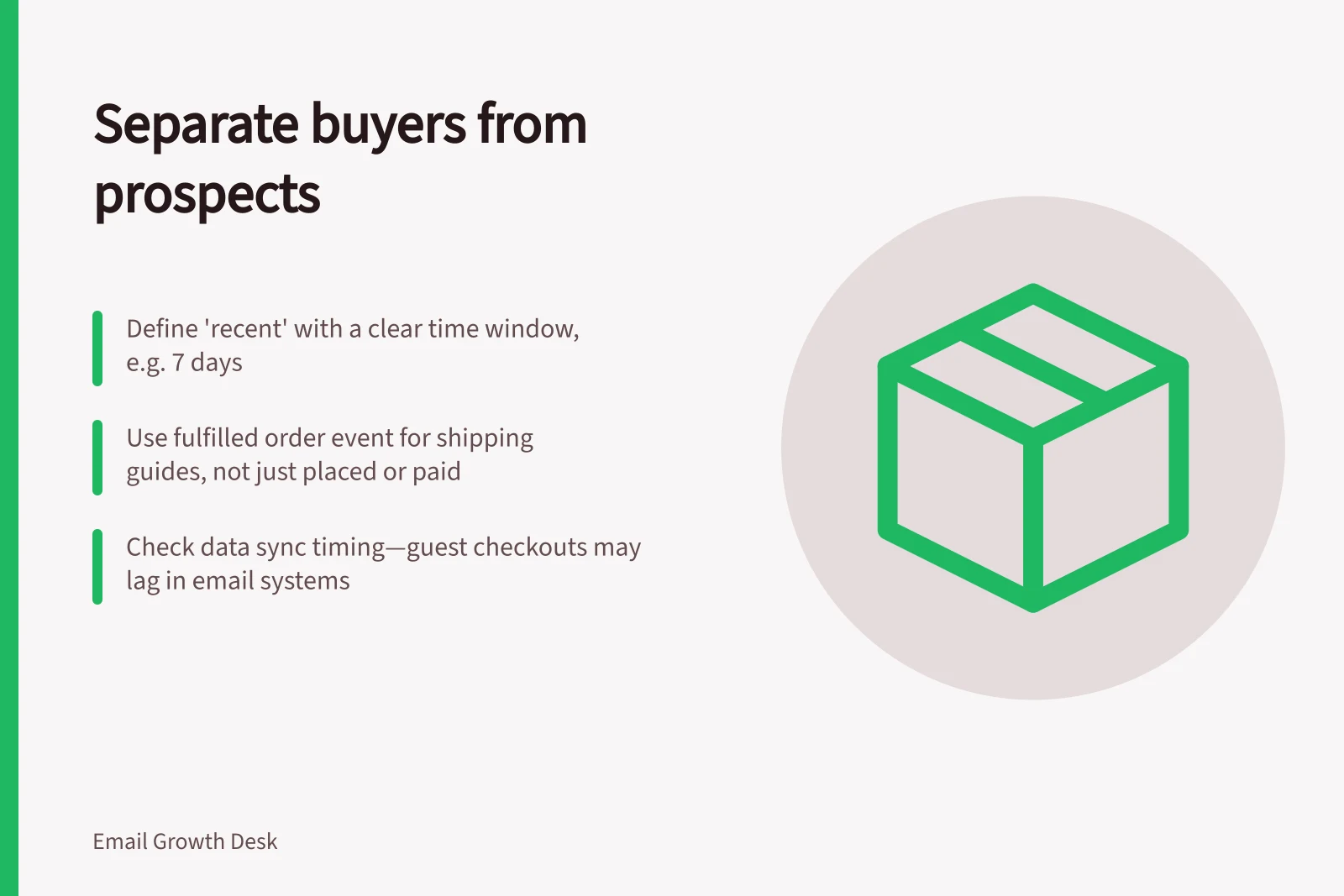
Separate recent buyers from prospects when a campaign offers a first-purchase incentive or explains how to choose a product.
Separate recent buyers from prospects when a campaign offers a first-purchase incentive or explains how to choose a product. Someone who has just bought may need setup or delivery information instead. Define “recent” for the campaign, then verify purchase data has reached the email system before excluding anyone.
Choose the business event
Decide whether the buyer state begins at placed order, paid order or fulfilled order. A failed payment, cancelled order or refunded purchase may call for different treatment. Use the event that matches the message: a shipping guide depends on fulfilment, while a first-purchase offer may need suppression as soon as an order is placed or paid.
Mailchimp offers purchase-activity segmentation, but platform terminology may not match an individual business’s rule. Define your own time window and cancellation handling rather than copying a preset name.
Check for data gaps
Compare a sample of store orders with contact records before sending. Are guest checkouts matched to the subscribed address? Are in-store or marketplace purchases present? How long does the sync take?
If buyer data is incomplete, treat the prospective segment as uncertain and avoid a message that would be awkward for a known customer to receive.
Use a simple hierarchy: known recent buyer, known earlier buyer, no matched purchase. The last group means “no purchase recorded here”, not necessarily “never bought”. Phrase offers accordingly. A message can invite people exploring the range without declaring them first-time buyers.
Write for each state
Recent buyers might receive care instructions, onboarding or a related accessory only when useful and appropriate. Prospects may need comparison criteria or reassurance about how the product works. Do not send a “complete your first order” reminder after the order is complete. Suppression should be checked again close to send time, when purchase data can change quickly.
Keep subscription permission separate from purchase status. A buyer is not automatically eligible for marketing just because a transaction exists, so apply your own consent and unsubscribe process before the segment rule.
After the campaign, inspect misrouted cases rather than only aggregate performance. A single data-sync failure can produce a visibly wrong message. Fix the event mapping or timing before scaling the segment to more sends.