Segmentation
Part of Email list segmentation for campaigns
Segmenting subscribers by stated interests
Segment by stated interest when subscribers have explicitly chosen topics and the programme can send content that matches those choices.
Segment by stated interest when subscribers have explicitly chosen topics and the programme can send content that matches those choices.
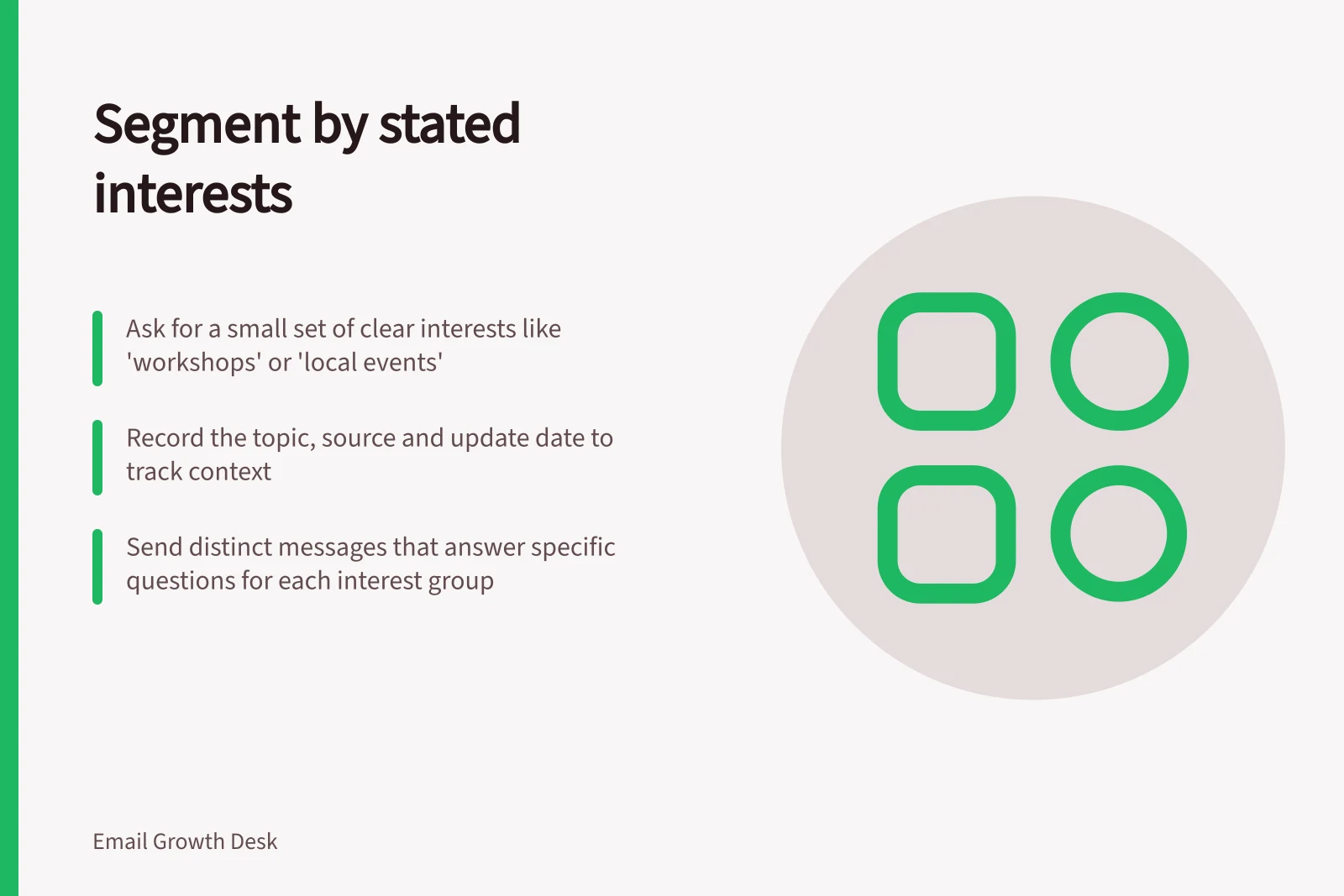
Ask for a small set of understandable interests, let people update them and avoid inferring a permanent preference from one interaction.
Ask in the reader's language
Use topic names that describe what the subscriber will receive: “workshops”, “product updates” or “local events”.
Internal category names may make sense to a marketing team but not to readers.
If a person can select more than one interest, say so and decide how overlapping choices affect frequency.
Before adding an option, describe the content subscribers can expect from it.
If two groups receive the same material, combine them or explain why both exist.
Store the preference with context
Record the selected topic, source and update date.
A preference made during a single event registration may not mean the person wants every future event promotion. Explain what they are signing up to receive.
Keep the marketing permission state separate from the interest label; a topic choice should not override an unsubscribe or other exclusion.
Review default settings. Preselecting every topic can make the database look richly segmented while saying little about real interest.
A blank choice can be handled with a general newsletter, if the person has agreed to receive it, or with a follow-up preference prompt. Do not force a topic assignment by guessing.
Send a distinct message
Brief each segment with a promise: which question does this email answer for someone who chose this interest?
A shared product announcement may be relevant to all groups, but the opening, examples or related resources might differ.
If only the subject line changes, ask whether the segment is genuinely serving a different need.
Include a clear link or instruction for changing interests, and check that the route works before sending.
Make the available choices and their effects clear to subscribers.
Monitor repeated non-engagement or complaints by topic, but do not automatically treat a single non-click as a preference reversal.
Ask whether the content delivered matched the option promised at sign-up.
Stated interests are valuable because they come from the subscriber; keep them understandable and under the subscriber's control.