
Deliverability
Part of Email platform selection and migration
Testing unsubscribe handling on a new email platform
Test a new email platform’s unsubscribe path from received message to status, queued sends and connected marketing routes.
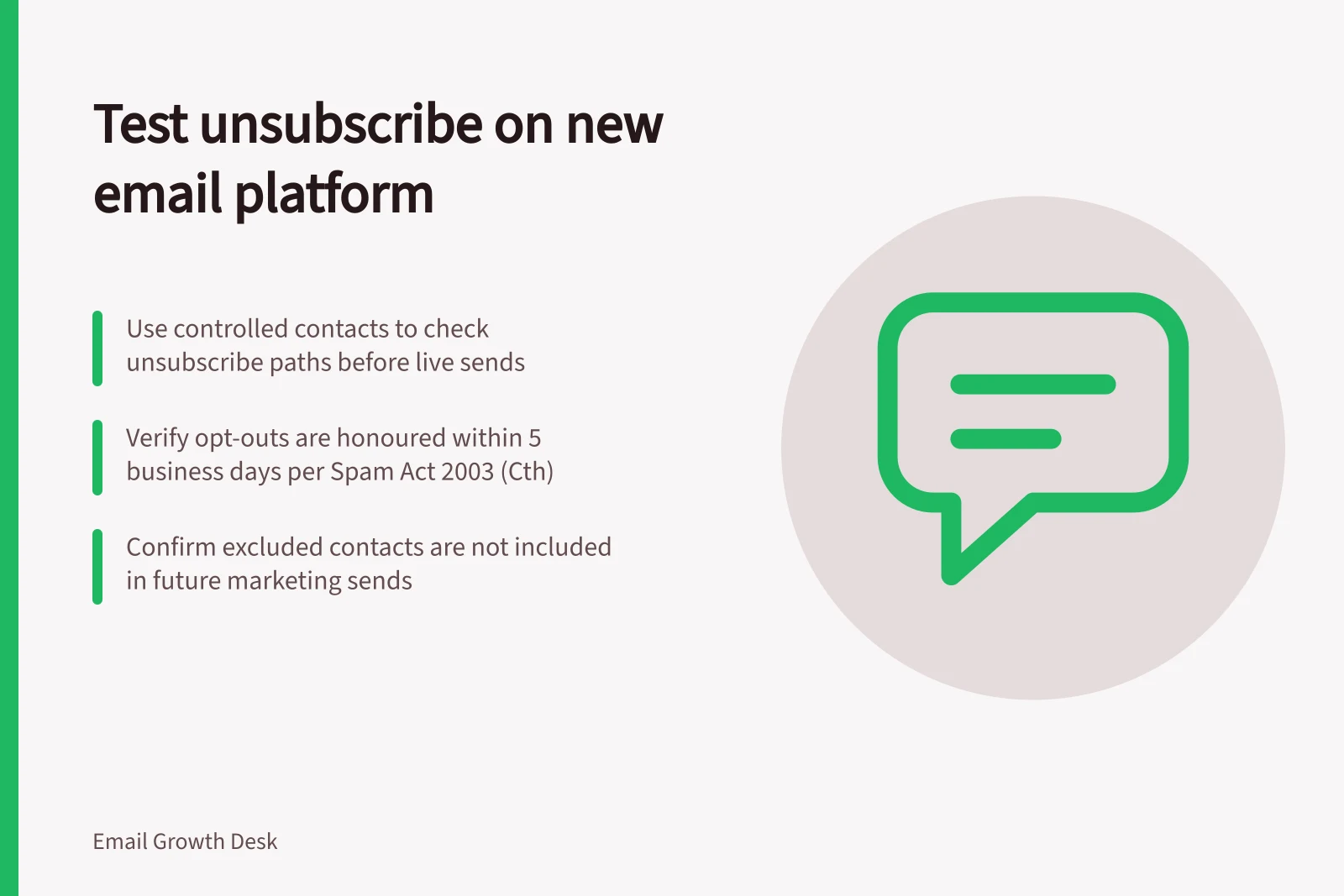
Test the new platform's unsubscribe process with controlled contacts before moving live marketing sends. Follow each request from the received email through the stored status, queued messages and connected marketing routes. A footer link that opens is only the start of the check. Do not cut over until each route passes.
Define the expected result
Prepare controlled records for a newsletter subscriber, a person on several marketing streams, an existing opt-out imported from the old system and a contact updated by an integration. Use addresses the team controls and record each intended state before sending.
Decide what each unsubscribe should stop. A newsletter-specific choice may differ from a request to stop all the organisation's marketing. Compare that scope with the words shown to the recipient. Classify service notices by their content rather than relying on a platform's “transactional” label; promotional material can affect how Australian spam rules apply.
Use the Spam Act 2003 (Cth) as the legal baseline for commercial electronic messages. The Act requires accurate sender information and a functional unsubscribe facility; check that the received message identifies the sender and includes contact details.
Use current ACMA guidance to set the expected unsubscribe requirements for the migration. The request must be honoured within five business days: record its time and verify that no commercial message is sent more than five business days later. Check the route's function and stored status as well as the deadline.
Key Compliance Requirements for Unsubscribe Handling
- Sender identification
- Must include accurate contact details
- Functional unsubscribe
- Must be accessible and effective
Follow each request route
Send a representative commercial message to an eligible controlled record. In the received version, check the sender identity, contact details and unsubscribe instructions. Follow the body link through every step and verify the final status. Note whether the route asks for extra personal information or requires a login.
Verify that the configured path meets the expected requirements and excludes the address from subsequent marketing. Record the request time so queued sends and connected routes can be checked against the five-business-day limit.
Check any reply or support route through which a person may ask to stop. Identify who records those requests and how they reach other systems sending marketing on the organisation's behalf. Inspect already queued automations as well as future audience selections.
For messages where one-click unsubscribe is expected, inspect the received List-Unsubscribe header and test the provider's one-click implementation in a controlled inbox. RFC 8058 describes a method for signalling one-click functionality for the List-Unsubscribe header.
Use any inbox-provided unsubscribe action available in the controlled inbox, then check the resulting status. Separately, follow the body link and verify its final status; record which route was used.
Check the stored outcome
After each controlled request, inspect the contact status and available event record. Then inspect the next audience preview and queued marketing for that address. Confirm that the request excludes the person from the marketing it covers. Check whether an old-platform job or later integration update can reverse the exclusion.
| Controlled case | Result to verify |
|---|---|
| Body-link opt-out | Completion is clear, status changes and the next applicable send excludes the address. |
| Reply or support request | The request is recorded and reaches relevant marketing routes. |
| Opt-out present before import | The destination remains excluded. |
| Several marketing streams | The applied scope matches the recipient's request. |
| Later integration update | The opt-out is not silently reversed. |
| One-click header action, where applicable | The action reaches the intended exclusion state. |
Follow the entire body-link path, including any confirmation step, and verify the resulting stored status and next audience preview. If the provider offers a header-based one-click route, test it separately and check the same outcomes.
For each route, compare the request time with queued-send and connected-route records. Pass the timing check only if no commercial message is sent more than five business days after the request; also confirm the address is excluded from the next applicable send.
Unsubscribe Request Types and Expected Outcomes
- Body-link opt-out
- Status changes; next send excludes address
- Reply or support request
- Request recorded and shared across marketing systems
- Pre-existing opt-out (imported)
- Destination remains excluded
- Multiple marketing streams
- Scope matches recipient’s request (e.g., all vs. specific)
- Later integration update
- Opt-out not silently reversed
- One-click header action
- Exclusion state reached without extra steps
Decide whether to cut over
Hold marketing on an affected route if a request disappears, a queued send ignores it, a commercial message is sent more than five business days after the request, the recipient faces an unsuitable barrier or the scope is unclear. Correct the mapping and repeat the affected case using a fresh received message.
Keep the message version, controlled record, request time, observed status and remaining limitations with the migration sign-off. Recheck the process when imports, integrations or templates change.


