Segmentation
Email list segmentation for campaigns
Segment an email list when a meaningful difference among subscribers changes the message they should receive.
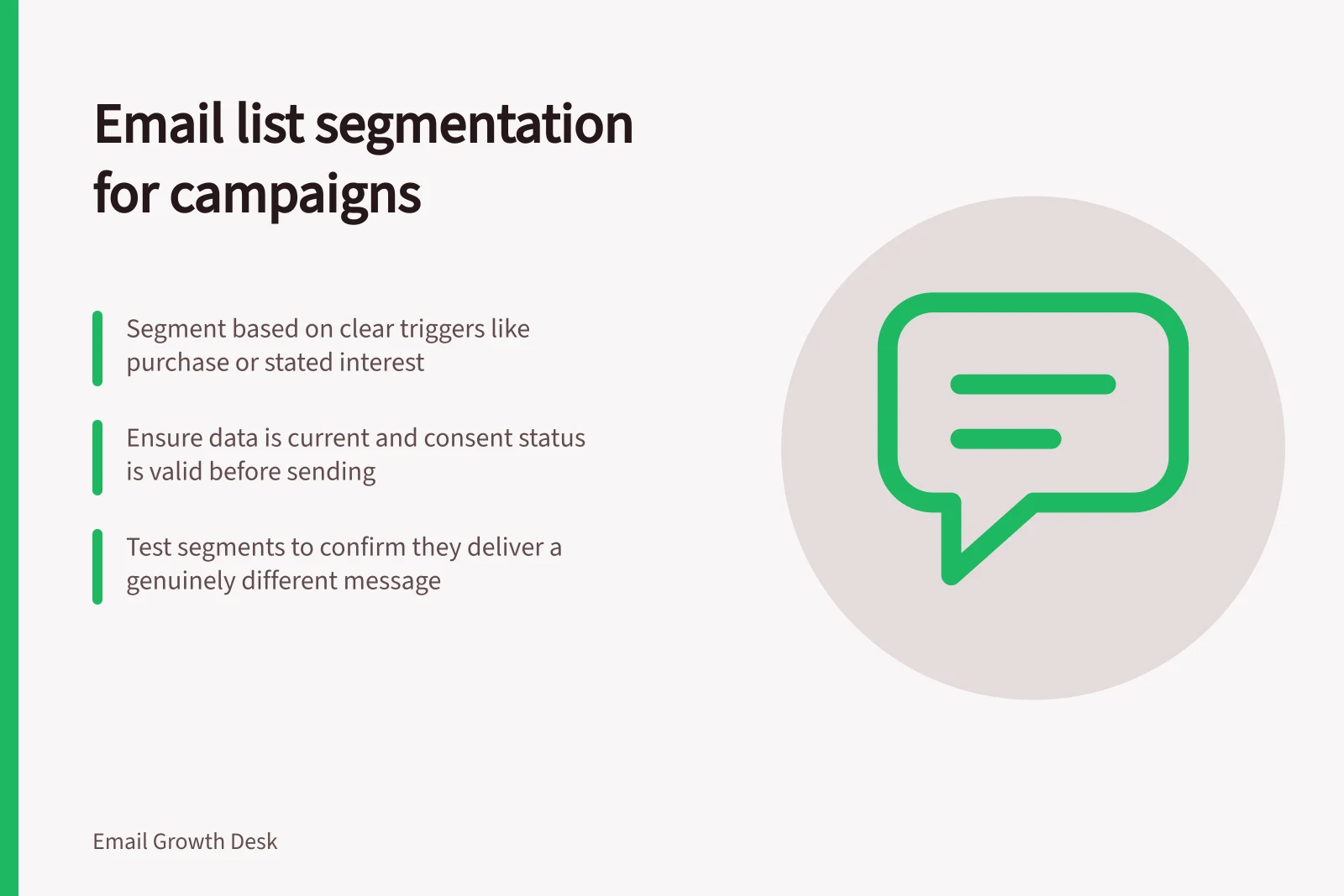
Segment an email list when a meaningful difference among subscribers changes the message they should receive. Begin with a question such as “Who asked for product updates?” or “Who has already bought this item?” and build the smallest rule that answers it.
A segment is useful only when its data is current, its consent status is appropriate and the resulting email is genuinely more relevant.
Use signals with different levels of confidence
To weigh stated interests against purchase or engagement signals, and to separate recent buyers from prospective customers, see the sibling articles.
Define the message difference
Write a sentence for each proposed segment: “Because these subscribers chose X, we will send Y instead of Z.” If the sentence cannot name a real content or timing difference, the segment may add complexity without helping readers.
One useful segment can be better than several overlapping labels that produce nearly identical emails.
| Segment basis | Appropriate use | Check before sending |
|---|---|---|
| Stated interest | Topic-specific updates | Can the preference be changed? |
| Purchase event | Relevant post-purchase or prospect message | Is the event current and correctly matched? |
| Engagement | Test a different frequency or format | Does the metric reflect meaningful interest? |
| Service status | Avoid an inappropriate promotion | Is the suppression rule reliable? |
Resolve overlap and exclusions
Where subscribers belong to several segments, see the sibling article on handling subscribers who belong to several segments. Keep unsubscribed or otherwise ineligible contacts out regardless of topic membership.
In an Australian program, review consent and unsubscribe handling separately from editorial relevance; a well-targeted email does not substitute for the required sending permissions.
Test whether the difference helps
For how to test whether a segment needs a different message, see the sibling article. Retire a segment when its reason disappears.
In this guide
- Segmenting subscribers by stated interestsSegment by stated interest when subscribers have explicitly chosen topics and the programme can send content that matches those choices.
- Separating recent buyers from prospective customersSeparate recent buyers from prospects when a campaign offers a first-purchase incentive or explains how to choose a product.
- Handling subscribers who belong to several segmentsWhen a subscriber belongs to several campaign segments, define which message wins before scheduling sends.
- Testing whether a segment needs a different messageTest a segment-specific email only when you can state what changes for that group and why it might help.