List Building
Part of Managing inactive email subscribers
Choosing suppression rules for long-inactive contacts
Set distinct rules for opt-outs, missing permission, invalid addresses and long-inactive contacts before pausing email marketing.
Choose a suppression rule by recording why the contact should be excluded and what, if anything, could change that decision. Keep an explicit opt-out, missing permission, invalid address and organisation-initiated inactivity pause as distinct reasons.
Key Statistics and Compliance Considerations for Inactive Contacts
- Apple Mail Privacy Protection impact
- Can cause false 'no open' signals; remote content downloaded automatically
- Mailchimp archive retention
- Archived contacts remain in system but are excluded from sends
Give each reason its own outcome
| Reason | Marketing action | Possible route back |
|---|---|---|
| The person asked to stop | Exclude the marketing covered by the request across relevant sending routes. | A later clear, documented choice by that person, assessed for the intended messages. |
| Permission is missing or does not cover the planned message | Hold out of that marketing. | Resolve the evidence or obtain a fresh signup through an appropriate route. |
| The address is confirmed invalid | Stop sends and retries to it. | Correct the address issue and assess marketing eligibility separately. |
| Prolonged absence of qualifying interaction | Pause under a documented organisation policy. | A deliberate renewed choice or another reviewed reason allowed by that policy. |
Treat this as a policy design aid, not a determination of any individual’s legal status. Handle an unsubscribe as its own reason and outcome, and do not let an internal inactivity review delay it.
Assign the email programme owner as accountable for the policy and its inactivity-pause decisions. Review each pause before the next campaign to an affected stream, and revisit it sooner if permission, address validity or the person’s choice changes.
Set the inactivity trigger separately
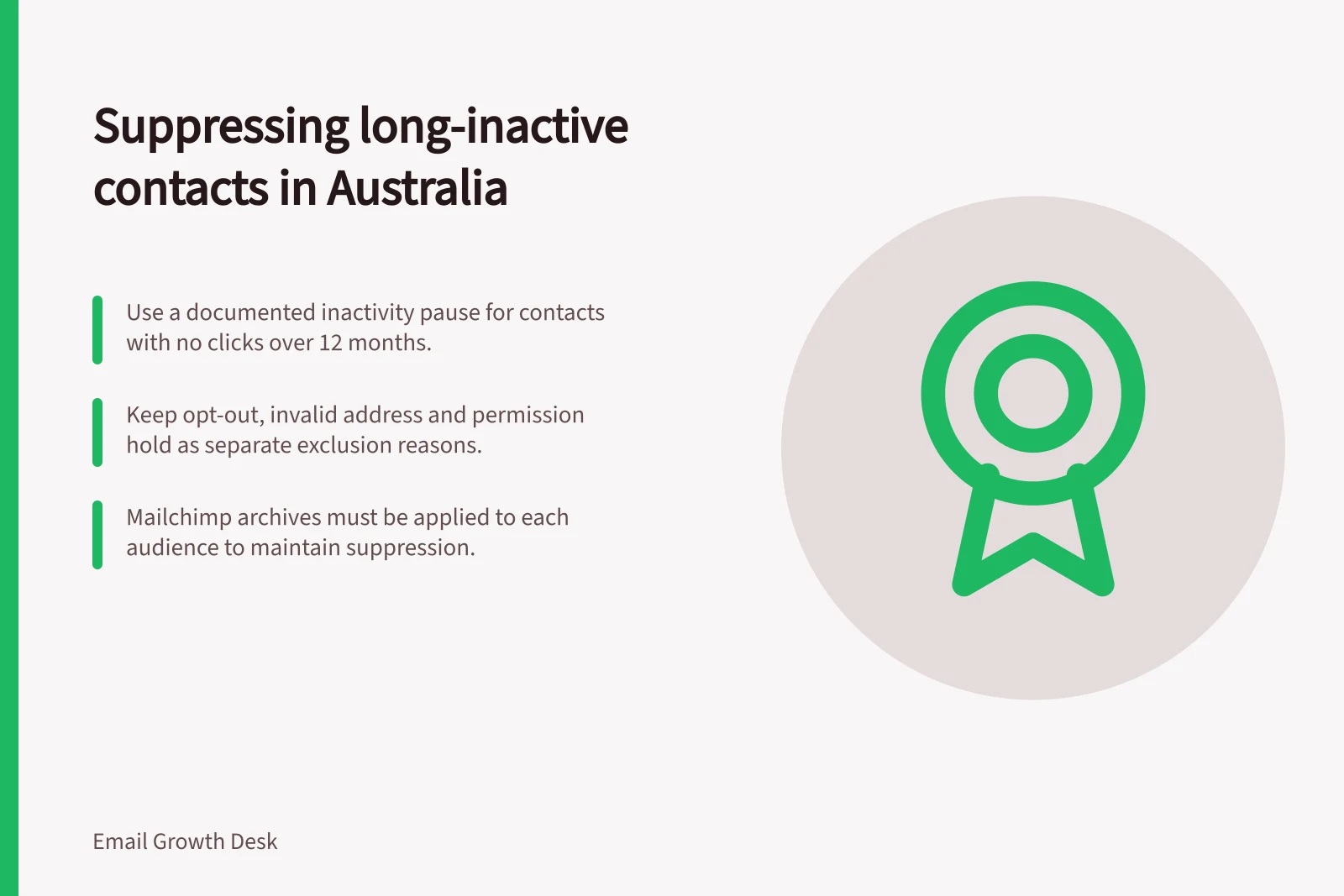
Use a documented observation period and define the newsletter, relevant sends, qualifying interaction and exceptions before applying a pause. As a default trigger, use no recorded click across that period, while protecting recent sign-ups and checking recorded delivery failures before acting.
A ‘did not open’ rule is unreliable on its own: blocked images can hide opens, while privacy features can request remote content before viewing. Apple says Mail Privacy Protection privately downloads remote content in the background when a message is received, rather than when it is viewed, so open data alone is not a sound pause trigger.
The default is to pause without sending a check-in email. Only consider a check-in where existing permission covers it, and decide its audience, choices, response window and the consequence of silence before sending.
Stop the sequence if a person unsubscribes. If permission is not established, hold the address rather than sending a marketing email to ask for it.
Match the rule to a system state
‘Suppress’ means keep a contact out of specified marketing. A platform may implement that through an exclusion record, a status change or an archive, but these states have different meanings.
Keep four reason labels distinct in the organisation’s record: opt-out, permission hold, invalid address and inactivity pause. These are policy labels, not claims about a platform’s built-in field names; an inactivity pause is a reversible business decision, not an opt-out.
In Mailchimp, archiving removes a contact from the active audience while retaining their data. Mailchimp describes it as useful for duplicate, outdated or inactive contacts who haven’t interacted with marketing emails or text messages; archived contacts are removed from the contact table and added to a separate archived contacts table, and cannot be sent marketing emails or texts. They can be unarchived at any time from the contacts table or with an import.
An archive alone may not preserve an inactivity pause through future uploads: a contact can be unarchived with an import, or by signing up through a Mailchimp signup form or interacting with a connected online store. If a contact appears in more than one Mailchimp audience, archiving must be done in each audience. Keep the reason for an exclusion separate from the archive state.
Define affected streams as every marketing email or text programme, audience and sending route covered by the decision, and make the exclusion record available to each relevant route. Record the reason, date, affected streams and accountable owner, then inspect examples in each category before applying a bulk rule. Ensure future uploads preserve the distinction between a requested opt-out and a business pause.
![Check if subscribers still want emails: Under the Spam Act 2003 (Cth), consent and a working unsubscribe link are mandatory.; Use Mailchimp’s inactive segment only as a starting point—verify permission and signup context.; If no response by [date], pause the newsletter, not unsubscribe, per policy. Asking subscribers whether they still want emails](/covers/asking-subscribers-whether-they-still-want-emails-640.webp?v=5d185c05)