Segmentation
Part of Email preference and unsubscribe experiences
Offering topic choices without confusing subscribers
Choose clear email topic labels, explain what selections change and handle overlapping or blank choices.
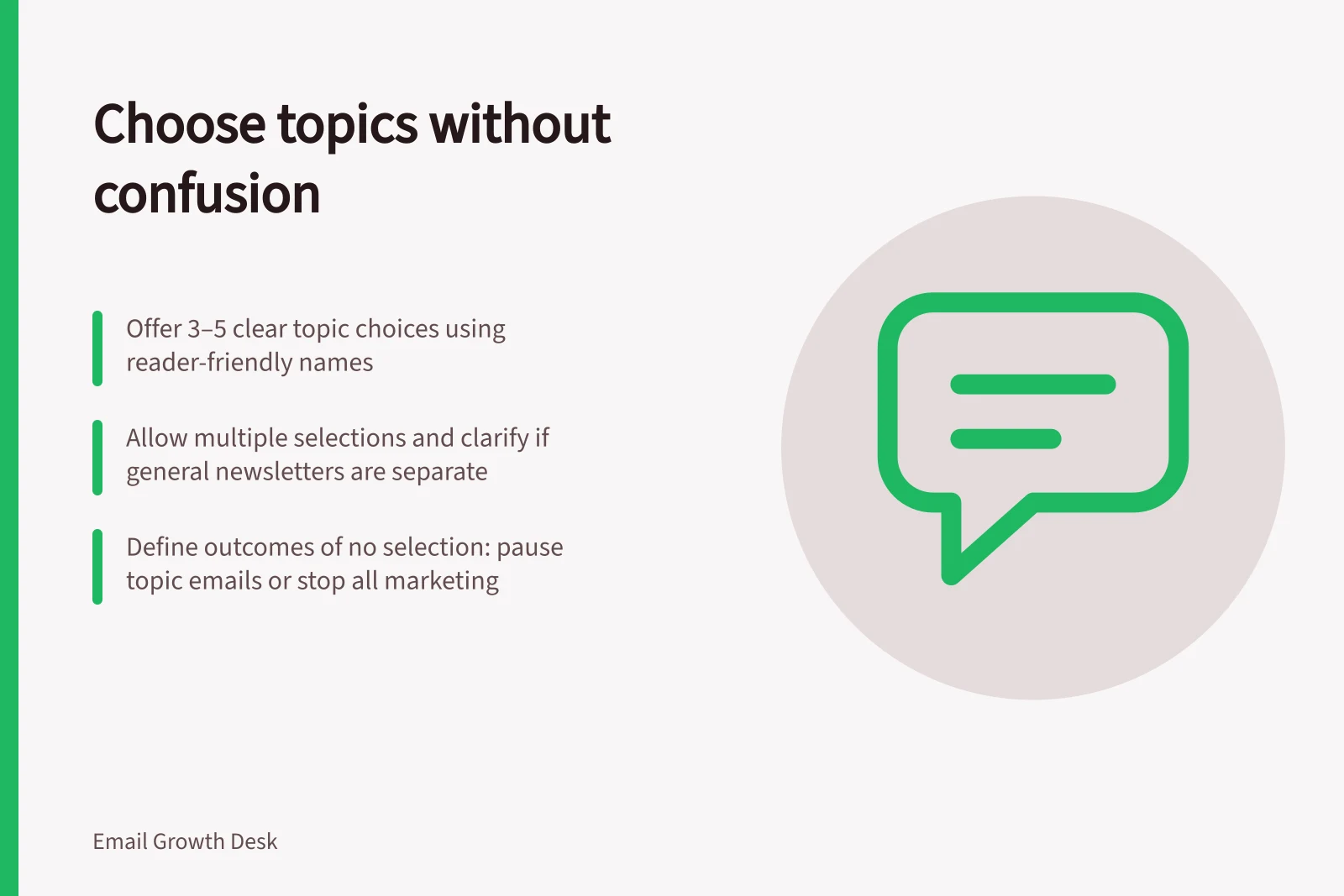
Offer a small set of topics when each choice changes the emails a subscriber receives. Name the choices by recognisable content, state whether subscribers can select more than one, and explain what happens if none is selected. Describe the subscriber's options, not the organisation's internal categories.
Build choices from actual emails
List the recurring messages the team can produce, then group them by the reader's reason to receive them. A hypothetical equipment business might separate “care guides” from “workshop dates” because the two choices lead to different material. Labels such as “customer lifecycle” and “engagement” describe internal processes instead.
For each proposed topic, draft a sample subject and one sentence describing its content. If two topics produce much the same emails, combine them. Leave an option off the form if the team cannot reliably supply or select its material.
Explain what a selection changes
Say whether subscribers may select several topics and whether a general newsletter is a separate choice. State whether a topic includes promotional offers as well as editorial updates. Describe frequency only where the programme can honour it. Choosing one topic should not imply that every other marketing message will stop unless the sending rules make that true.
Illustrative wording is: “Choose the topics you want in your email updates. You can change them later or unsubscribe from marketing.” The real wording must match the sender, content and permission already given.
Decide what overlap and a blank choice mean
If a campaign covers two selected topics, decide whether the subscriber receives one combined message or one version selected by a documented rule. Do not send two copies of the same announcement merely because two boxes were ticked.
Define the result of selecting nothing. It could pause topic emails while a separately chosen general newsletter continues, or stop marketing from this programme. Say which. A blank field or a changed topic must never reverse an explicit unsubscribe.
A stored interest and permission to send are different states. A topic choice without its sign-up context does not prove that a particular send is permitted.
Pros and cons of allowing multiple topic selections
- ProsSubscribers can tailor their experience; higher engagement potential
- ConsRisk of message overlap or confusion if not managed; harder to track preferences
Review the choices against planned sends
Assign several planned emails to the proposed topics. Look for messages that fit nowhere or appear under too many labels. Then use controlled records with one selection, several selections and none to check the intended audience rule before the choices go live. Revisit labels when the programme changes so subscribers can still predict the emails they chose.