Campaign Operations
Email campaign calendars and frequency
An email calendar should coordinate useful messages, not fill every empty date.
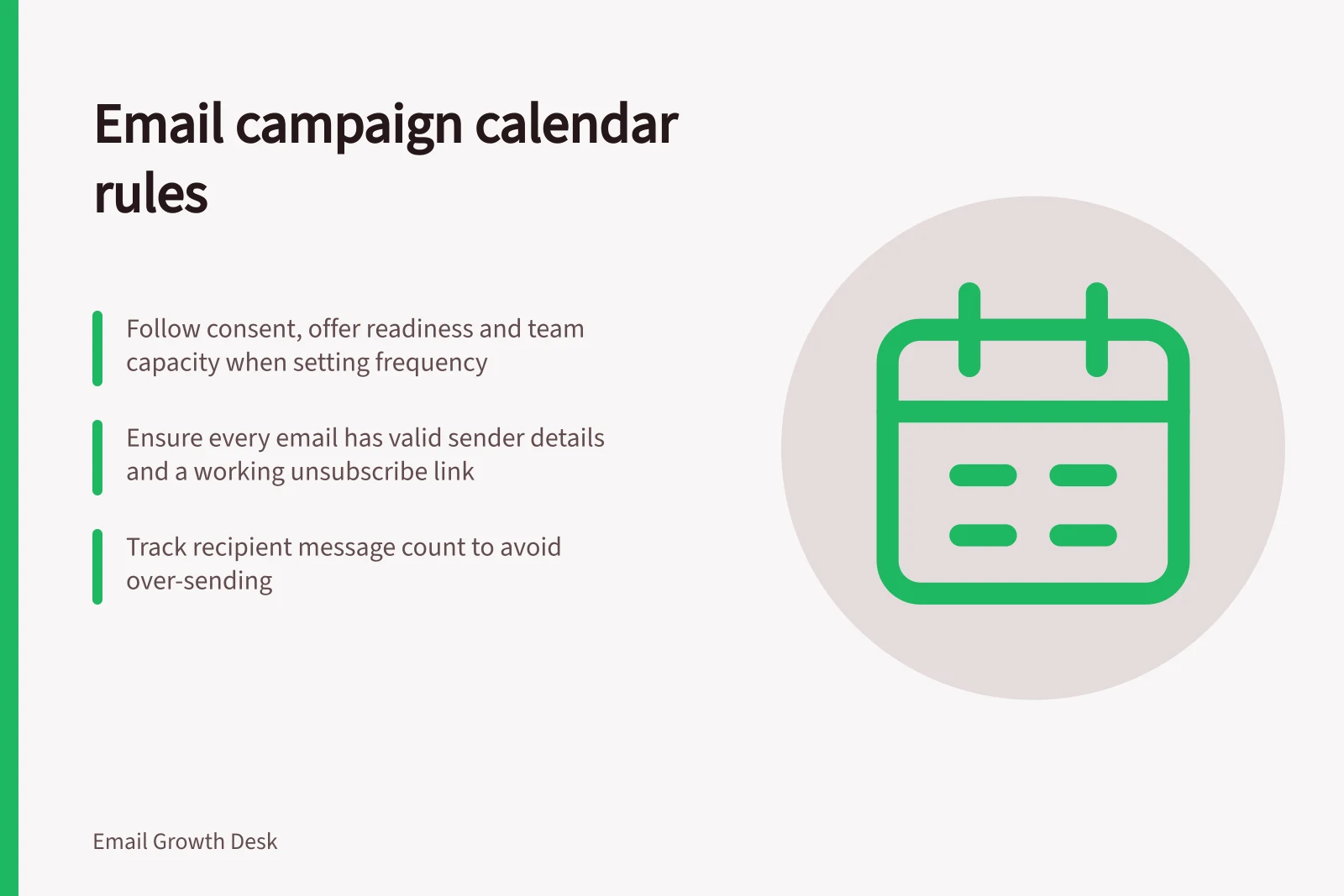
An email campaign calendar sets out what will be sent and when. Frequency should follow from the audience's consent, the offer's readiness and the team's capacity to handle replies. Review it over time; do not set a universal weekly quota.
Australian legal guidance on the Spam Act 2003 (Cth) states that commercial electronic messages require consent, sender identification and a working unsubscribe route. Build those checks into the calendar. Related sibling articles cover coordinating promotional sends with service messages, planning around customer relevance, detecting fatigue before unsubscribes rise, and choosing when to skip a planned newsletter.
Build compliance into the calendar
Treat consent as a check for each planned commercial campaign, not a one-off calendar setup task. The Spam Act 2003 (Cth) recognises express consent, such as subscribing, and inferred consent in limited circumstances, such as an existing customer relationship where marketing is reasonably expected. Do not treat scraped or address-harvested email lists as consent.
Keep a record of the consent basis alongside the campaign's audience and planned send date. This lets the team verify eligibility before scheduling and maintain accurate, up-to-date records as campaigns are reviewed. If a platform or agency is involved, make compliance responsibilities clear between the parties.
Reserve a pre-send check on sender details for every commercial email. The business must be accurately identified with valid, functional contact details. Those details must remain valid and functional for at least 30 days after sending; a calendar check can catch outdated sender information before the campaign is released.
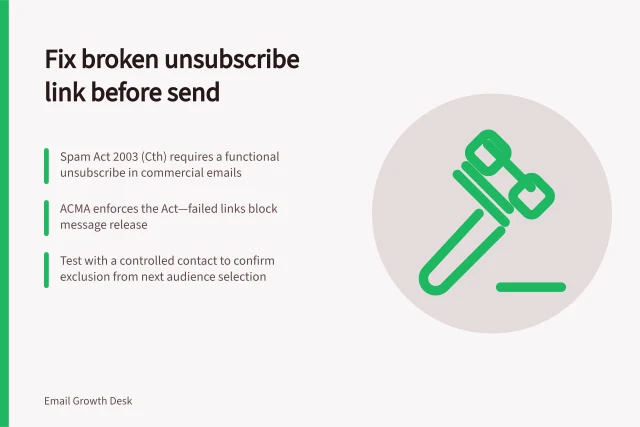
Include an unsubscribe check in the campaign workflow. Each marketing email needs a clear, easy-to-use unsubscribe facility that does not require a login and remains functional for at least 30 days after the message is sent.
Unsubscribe requests must be actioned within 5 business days. Assign responsibility for processing them and allow time to confirm the list is updated before later sends.
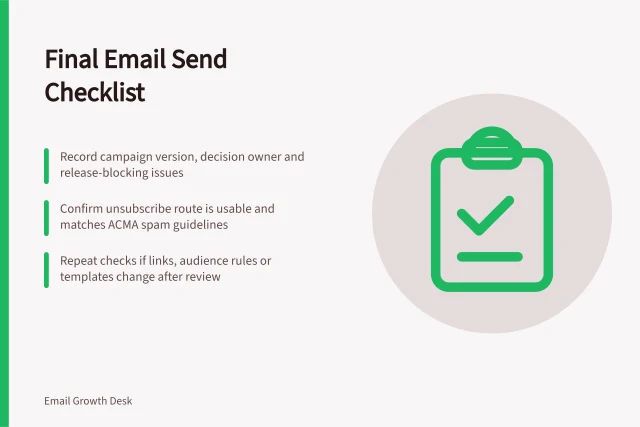
Pre-Send Compliance Checks for Email Campaigns
- Consent verifiedExpress or inferred consent confirmed for each recipient list
- Unsubscribe link functionalClear, accessible unsubscribe option; does not require login; remains active for 30 days
- Unsubscribe requests actioned within 5 business daysProcess assigned and confirmed completed before next send
Key Email Marketing Compliance Requirements (Australia)
- Consent requirement
- Must be express or inferred (e.g. existing customer relationship)
- Spam Act 2003 (Cth) coverage
- Applies to all commercial electronic messages in Australia
Review the calendar as a working record
Set a starting cadence by matching the frequency promised at sign-up with the team's ability to prepare, approve and send campaigns consistently. Separate recurring campaigns from one-off launches or seasonal promotions, and map them on a rolling calendar. Plan seasonal work early enough to prepare the offer, copy and approvals.
For each entry, record its audience, purpose, owner, content deadline, planned send date, approval status and outcome. Record each campaign's review status next to its calendar entry so anyone scheduling later sends can see its progress.
Train everyone who schedules or approves sends, and review team procedures regularly, especially when the people managing sends or the platform and agency arrangements change. A calendar review can also flag inaccurate records or contact details before they affect a scheduled campaign.
Check promotional copy during the same review. Claims about products and services should be accurate and truthful under the Australian Consumer Law; misleading or deceptive emails can breach that law. If a campaign's offer or claim has changed since it was entered on the calendar, confirm the final content before sending.
Email Campaign Calendar Workflow
- Plan campaign
- Define audience, purpose, content deadline, send date
- Review compliance
- Verify consent, sender details, unsubscribe functionality
- Content approval
- Confirm accuracy of claims under Australian Consumer Law
- Final pre-send check
- Confirm contact details up to date, team trained, records updated
- Send and track
- Monitor opens, clicks, unsubscribes, complaints post-send
Build a recipient view
A recipient view for frequency means knowing how many messages each person has received recently and from which campaigns. Record that count alongside the calendar so a later send does not duplicate another planned campaign. The sibling article covers planning sends around customer relevance rather than empty calendar slots.
Read engagement over time and by cohort. Review clicks, downstream value, complaints and unsubscribes together. Opens alone are a weak signal where privacy features affect measurement.
Use the calendar to compare frequency against results. Test a reduced frequency for one segment and compare total useful response with a control, rather than defending a calendar slot. Keep a brief record of why each send was made so the team can learn from the sequence. Detecting fatigue before unsubscribes rise is covered in the sibling article.
Building a Recipient View for Frequency Management
- Track message count per recipientRecord number of recent emails sent from different campaigns
- Avoid duplicationEnsure no overlap with other planned campaigns
- Review engagement metricsAnalyse opens, clicks, conversions, complaints, unsubscribes
- Test frequency changesCompare response rates between reduced and standard frequency segments
- Document rationale for sendsKeep notes on why each campaign was scheduled to support learning
In this guide
- Planning sends around customer relevance rather than empty calendar slotsA vacant date is not a reason to email.
- Detecting fatigue before unsubscribes riseUnsubscribes often appear after relevance has already weakened.
- Coordinating promotional sends with service messagesService messages tell customers what they need to know about a transaction or account.
- Choosing when to skip a planned newsletterSkip a planned newsletter when the team cannot explain why its audience needs it now.