Campaign Operations
Part of Email campaign production workflows
Assigning responsibility for a last-minute correction
Decide who pauses, confirms, edits and approves an email campaign when a material correction arrives just before release.
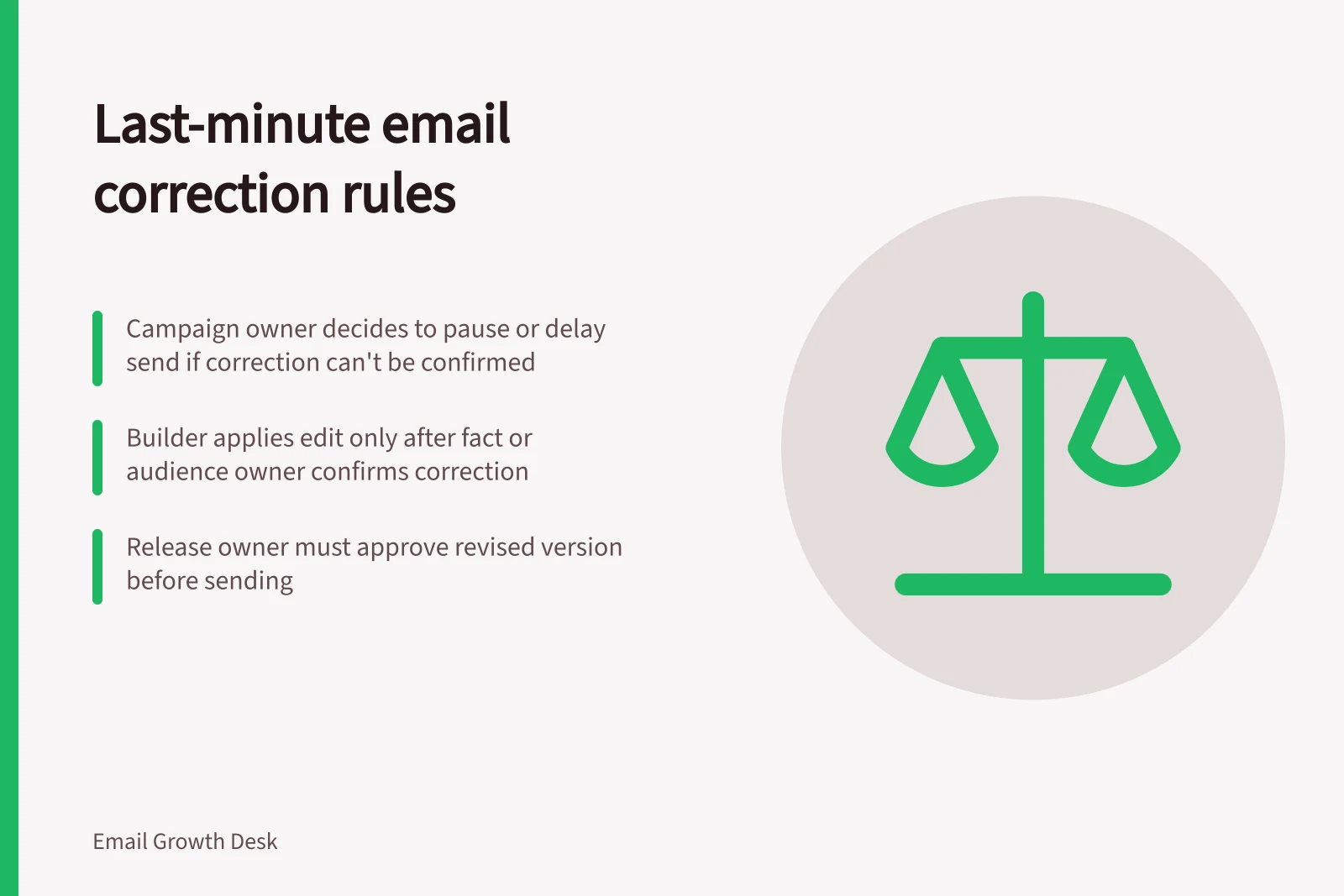
When a material correction arrives close to an email send, name who decides whether to pause, who confirms the correct information, who edits the campaign and who approves the revised version. If the team cannot confirm the correction and its effects in time, delay the send.
First, identify what is wrong
Describe the issue in reader terms. “The booking date in the body is wrong” identifies a fact to confirm. “The main button leads to another event” identifies a destination problem.
“The recipient group includes people who should be excluded” identifies an audience problem. Each calls for a different decision.
The person who notices the issue should tell the campaign owner which version is affected, where the problem appears and what the proposed correction is, if known. Do not ask the builder to guess a price, date or eligibility rule. Ask the owner of that information to confirm it. If recipients or requests to stop marketing are affected, involve whoever owns audience eligibility and suppression before making a send decision.
Use a short decision chain
| Responsibility | Decision to record |
|---|---|
| Campaign owner | Pause, change or cancel the planned send; identify affected messages and deadlines. |
| Fact or audience owner | Confirm the correction and its scope. |
| Builder | Apply the authorised edit to the identified version. |
| Reviewer | Check the revised result and anything the edit may have affected. |
| Release owner | Approve or hold the revised version. |
One person may hold several roles, but the record should still show which decisions were made. Approval of the previous version should not carry over when a corrected fact changes the offer or intended audience.
Last-Minute Email Correction Workflow
- Campaign OwnerPause, change or cancel the send; identify affected messages and deadlines.
- Fact or Audience OwnerConfirm the correction and its scope.
- BuilderApply the authorised edit to the identified version.
- ReviewerCheck the revised result and anything the edit may have affected.
- Release OwnerApprove or hold the revised version.
Match the recheck to the edit
A subject change calls for another look at the subject, preview text and body promise. A changed button needs its wording and destination checked in the revised message. A changed date may also affect the subject, body, image text, landing page and scheduled reminder. An audience correction needs the recipient rule and exclusions reviewed again.
Suppose a workshop venue confirms a different session date after copy approval. The event owner confirms the new date; the builder changes every affected place; a reviewer compares the revised proof with the confirmation; and the release owner decides whether that version can go out.
Impact of Corrections on Campaign Elements
- Subject Change
- Recheck: subject, preview text, body promise
- Button Change
- Recheck: wording and destination in revised message
- Date Change
- Recheck: subject, body, image text, landing page, scheduled reminders
- Audience Change
- Recheck: recipient rule, exclusions, eligibility and suppression
Keep Australian send conditions in view
For an Australian commercial email, check whether the change affects any applicable sending requirements or campaign controls. If the audience rule or unsubscribe route is uncertain, hold the affected send until the responsible owner resolves it. Correct visible copy cannot make an ineligible recipient group eligible.
Record the issue, confirmed source, versions affected, checks repeated and final decision. That account helps the next campaign owner understand the correction without treating a rushed fix as a routine template update.