Campaign Operations
Part of Email preference and unsubscribe experiences
Checking a broken unsubscribe link before the next send
Trace a broken unsubscribe from the received email to stored status, address earlier sends and recheck before release.
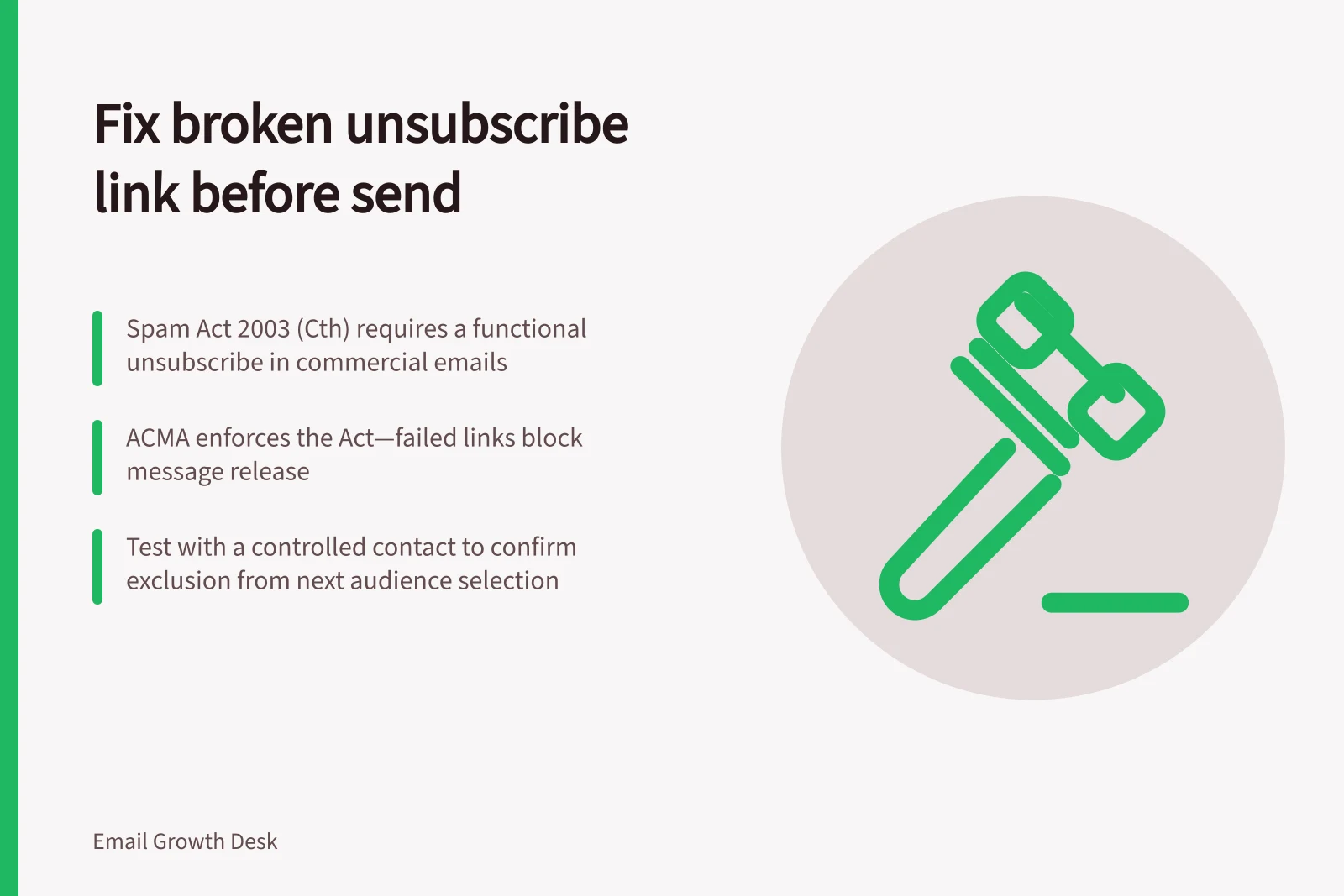
Hold any affected commercial send if its unsubscribe route is known to fail. Establish whether the fault lies in the received email, its destination or the status update behind it. Repair that path, then check a fresh received message and the resulting exclusion before releasing the route.
The Spam Act 2003 (Cth) requires commercial electronic messages to contain a functional unsubscribe facility, except for designated commercial electronic messages. The Australian Communications and Media Authority (ACMA) enforces the Act, so treat a failed route as a release blocker for messages covered by the requirement.
Identify the failure
Keep the affected message version and record what happened. Did the link open an error, reach the wrong page, request a login, or show success while leaving the contact subscribed? Determine whether the issue affects one template, one audience or every message using a shared service.
A URL returning a page is insufficient evidence. The request must reach the appropriate stored status and prevent covered future marketing. Choose a recipient-aware check when the link depends on contact-specific values; an editor preview alone may not show the final path.
Compliance Requirements Under the Spam Act 2003 (Cth)
- Required Functional Unsubscribe Facility
- Yes, for most commercial electronic messages
- Action Timeframe for Unsubscribe Requests
- Within five business days
- Enforcement Body
- Australian Communications and Media Authority (ACMA)
Account for messages already sent
Identify which recipients received the affected version and when. Repairing the next template alone may leave those recipients with a broken route. Ask the platform or technical owner whether the existing destination can be restored.
Review opt-out requests received by reply, support or another available channel during the failure. Handle them through the normal process. Do not postpone them until the next campaign.
Action each unsubscribe request within five business days. Do not send a commercial electronic message to a recipient more than five business days after they withdraw consent through an unsubscribe request.
Hold affected marketing if outstanding requests cannot be reconciled before selection.
Follow a controlled request to exclusion
Use an authorised controlled contact in the relevant audience and a sending method that produces the contact-specific final message. Open the received email, complete the unsubscribe steps, then verify that the saved status is unsubscribed and the contact is excluded from the next audience selection and queued automation. If the body-link path has a confirmation step, include it in the check and assess whether the instructions remain clear.
If the message has a separate header-based unsubscribe route, test it separately. A working preference page or body link does not establish that a separate route works.
Make the release decision
Record the cause found, correction, affected message version, controlled request and resulting status. Recheck after the final footer, template or integration edit. If the page works but status does not change, the fault remains. If a covered marketing route still selects the contact, hold that route until the handoff is fixed.
Release the next covered commercial send only when the controlled request results in exclusion and requests already received can be actioned within five business days. Where the old destination cannot be repaired, record the affected sends and available alternative request channels, reconcile requests already received, and seek a resolution for the still-active messages. Do not describe the route as fixed merely because a new campaign template works.