Email Measurement
Part of Diagnosing weak email campaigns
High opens but few clicks: where to look first
Check what open and click reports count, then review the email’s promise, intended link, action and audience fit.
First, check the intended link and the action the email asked readers to take. “High opens” counts tracking events, not a confirmed reading audience. Before rewriting, confirm the low click figure relates to the main action.
Check the reported gap
Put successfully delivered emails, unique recorded openers and unique recorded recipients who clicked the intended link in one view. Use the same observation period and check whether bot filtering changed.
Total clicks may include several clicks assigned to one recipient. If tracking was disabled, or the intended route was not tracked, the report may understate clicks.
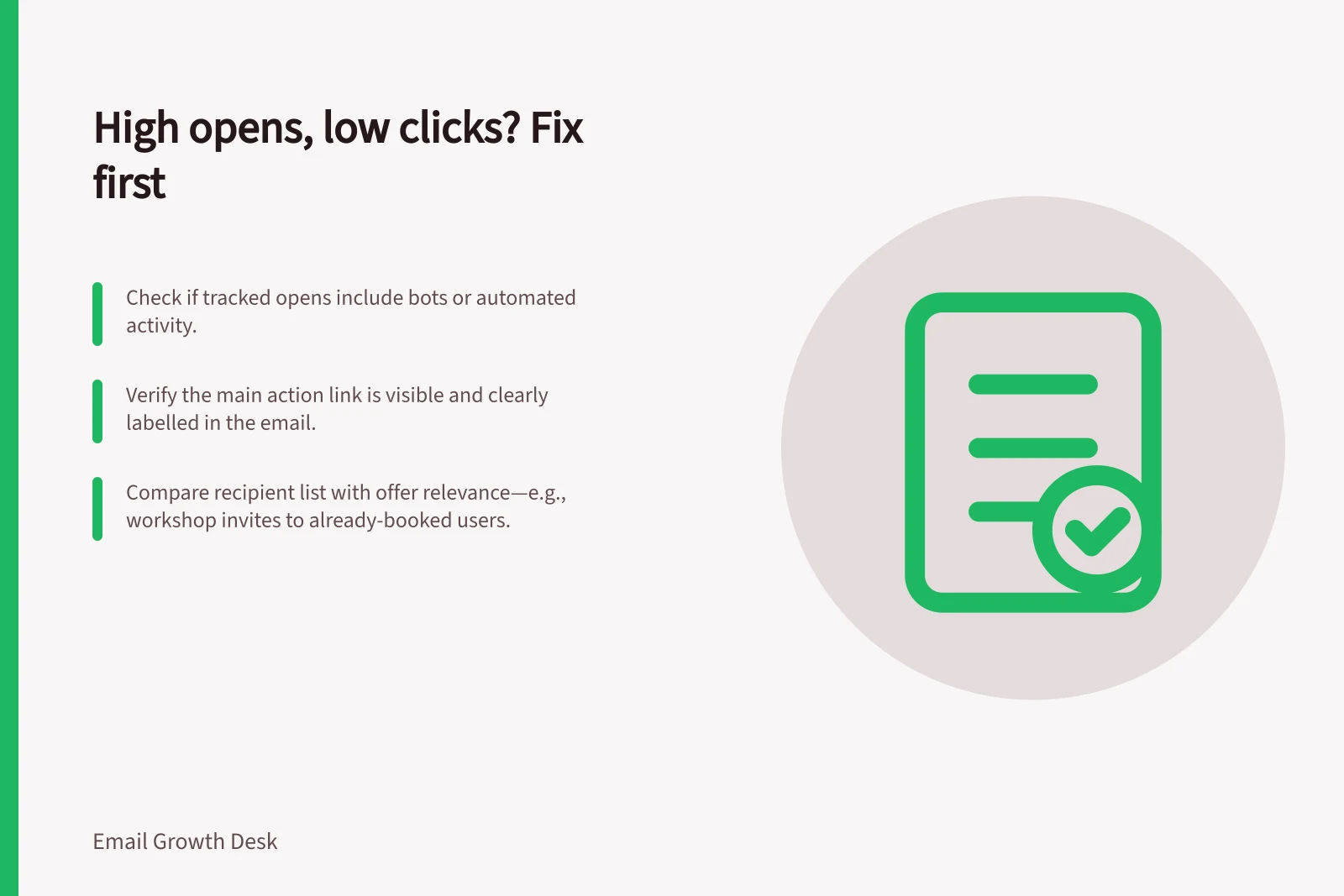
Apple’s Protect Mail Activity can load remote content without a person engaging with the email. Blocked images can leave reading unrecorded. Automated security systems may also generate opens or clicks. The gap therefore warrants investigation; it does not count people who read the offer and declined it.
Open vs Click Tracking: What Each Metric Actually Measures
- Open RateCounts when email is loaded, including Apple Mail Privacy Protection (MPP) or automated systems. May include non-human activity.
- Click RateCounts actual clicks on tracked links. Can be underreported if tracking is disabled or routes are untracked.
Key Metrics to Monitor in Email Campaigns
- Total Delivered Emails
- Use as denominator for open rate
- Unique Openers
- Count of distinct recipients who opened the email
- Unique Clicks on Intended Link
- Must match the primary action goal
- Bot Activity Detected
- Check platform reports for automated opens/clicks
Pros and Cons of Apple’s Mail Privacy Protection (MPP)
- Pros
- Protects user privacy by preventing sender tracking; reduces data exposure.
- Cons
- Can inflate open rates with non-human activity; may misrepresent engagement.
Follow the inbox promise into the message
Read the subject and preview text, then the opening, offer and main action. An eligible reader should be able to tell what is offered, why it is relevant, what they can do next and which material conditions affect that choice.
For example, a subject promising workshop dates followed by several paragraphs of unrelated product news makes the dates hard to find. A “Learn more” button beneath several topics leaves its destination unclear.
Inspect the main link
Use a per-link report if the platform provides one. A combined click total may reflect the logo, footer or a secondary article rather than the booking route.
Mailchimp’s reports include open and click rates; its click tracking can show who clicked links in emails. Check the final sent email and the rules of the platform in use.
Then inspect where the action appears and what it promises. If readers must pass a long introduction to find the useful link, move the relevant information earlier. If the label conceals the destination, name that destination. If several actions compete, clarify which serves the email’s main purpose.
Check fit before the next send
If the action is clear but records still show little interest, compare the recipient rule with the offer. A maintenance guide for recent owners may have little use for prospects; a workshop invitation may be redundant for people already booked. Examine available recipient records and recent messages before assuming a subject change will help.
Record one hypothesis for the next suitable send and choose the intended-link click count and denominator in advance. Keep audience and offer as steady as practical, and report the tracking limits alongside the result.