Campaign Operations
Email testing before a send
A practical pre-send review of email content, links, rendering, personalisation, audience settings and release decisions.
Test the finished email as a recipient would receive it. Then check the audience and send settings before release. An editor preview may miss inbox problems. A test email alone cannot prove recipient-specific content or audience rules are correct.
Check the message first
Read the subject line, preview text and body together. Can a recipient tell why the message arrived and what to do next? Confirm the offer, dates, availability and destination page agree. If the copy depends on a customer state, such as a recent purchase, check that the intended audience matches it.
Test the final campaign version. An earlier draft does not cover a button or audience rule changed later.
Review four parts of the campaign
| Part | Question | Check |
|---|---|---|
| Content | Are the claims and requested action accurate? | Read the received email and compare its promise with the destination. |
| Links and tracking | Does each action reach the intended place with the intended campaign labels? | Open links from the received message and inspect the destination and applicable parameters. |
| Rendering | Can readers use the message in relevant clients? | Inspect selected desktop and mobile views and received messages. |
| Personalisation | What appears for different recipient data? | Review records with complete, missing and materially different values. |
A valid URL can still lead to the wrong page. Where content depends on recipient data, use a suitable recipient-aware preview or controlled live test to verify the final output.
For Australian commercial email, review consent, identify the sender and confirm a functional unsubscribe link. The actual audience and message determine what must be checked.
Sample relevant inboxes
Choose clients used by the audience when that information is available. Otherwise, document a practical sample, such as a desktop client and a mobile client, without calling it representative.
Look for clipped text, broken reading order, unreadable buttons and dark-mode contrast problems. Screenshots help reveal visual defects; received messages let you try controls.
Email testing methods: preview vs. real inbox
- Editor preview
- May miss rendering issues in actual inboxes
- Test email to self
- Cannot verify recipient-specific content or audience rules
- Real inbox test (desktop + mobile)
- Reveals clipping, broken buttons, dark mode contrast issues
- Controlled live test with real recipients
- Validates personalisation and dynamic content
Review recipient states
Inspect a record with complete data, one with a missing optional field and records for material conditional branches. Read the resulting sentence as well as the tag syntax.
If a personalised URL is essential, check its destination for the relevant record. Platform previews may handle defaults differently, so verify the final output through a suitable test method.
Make the release decision
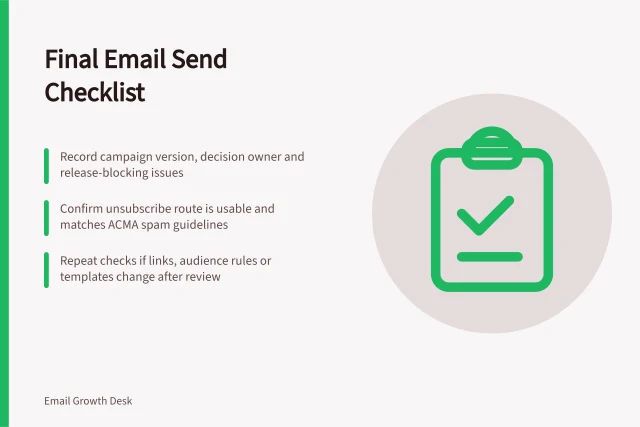
After corrections, repeat affected checks on the final version. Confirm the recipient rules and exclusions, From and reply details, subject and preview text, send time and time zone. Where the team can arrange one, a fresh reader can catch unclear copy.
Hold the send if the audience, a material claim, the primary action, required personalisation or the unsubscribe route remains uncertain. Record the issue and corrected version, then check that version. A completed checklist should describe checks that actually happened.
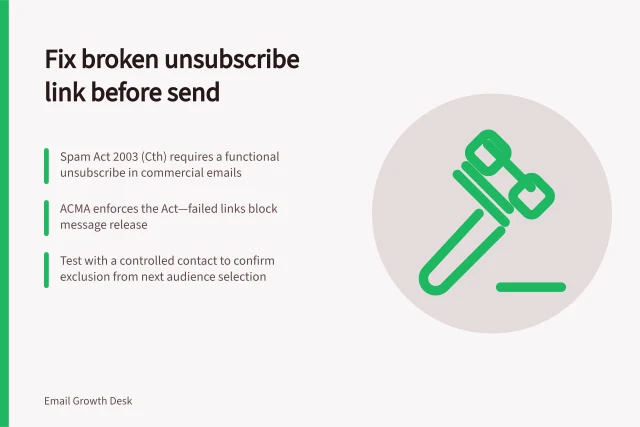
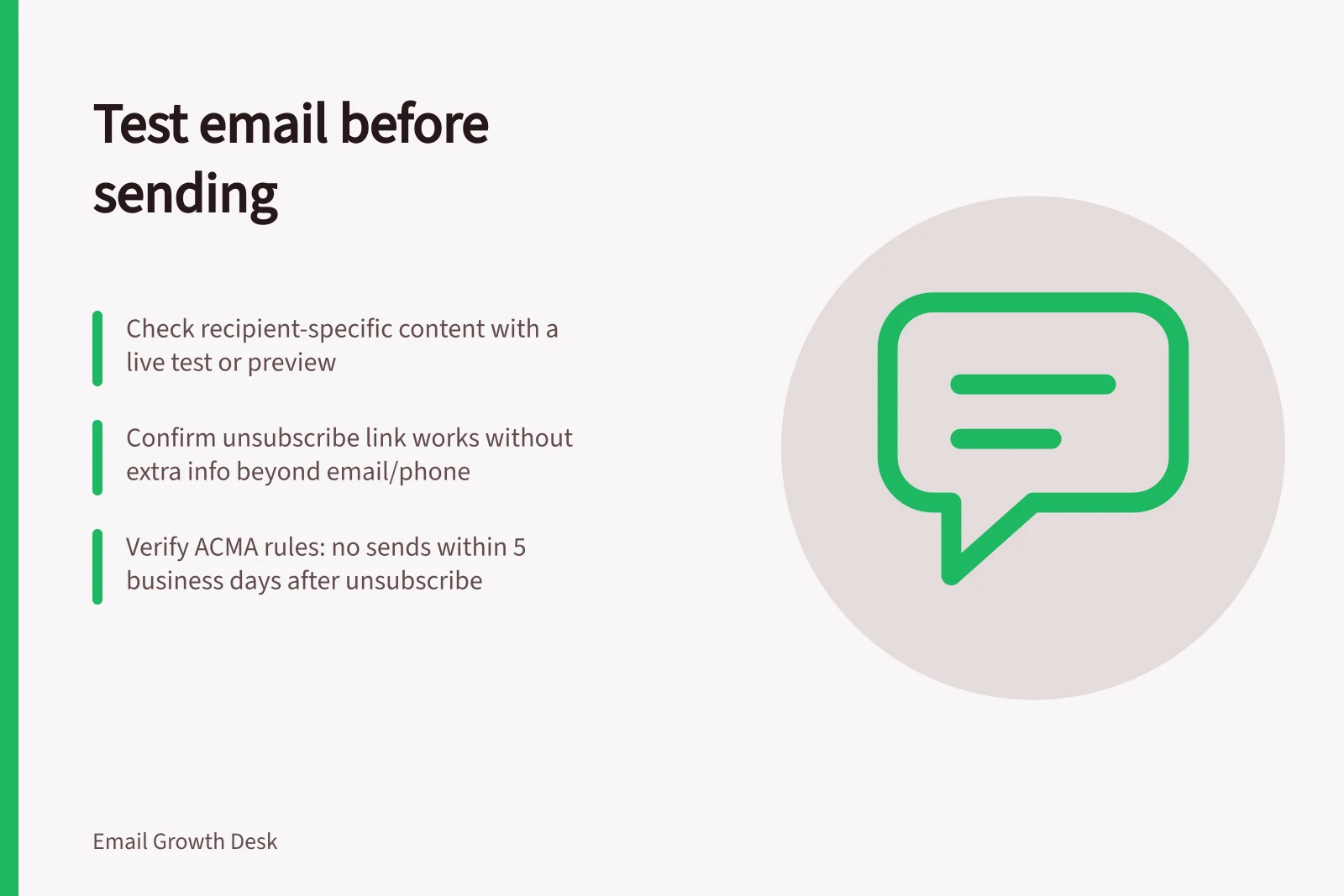
Treat unsubscribe handling as a release gate, not just a link check. Confirm recipients can unsubscribe without logging in or providing personal information beyond the email address or phone number that received the message. ACMA investigations have identified both extra requirements as contraventions.
Check that an unsubscribe request removes the recipient from the audience before release. ACMA has issued fines where businesses sent commercial messages more than five business days after an individual withdrew consent through an unsubscribe request.
ACMA reported that six in ten Australians were still contacted after making an unsubscribe request. In 2022–23, ACMA completed nine investigations that resulted in fines totalling over A$8 million. It identified Spam Act compliance as a regulatory priority for 2023–24.
Final pre-send verification process
- Review all message componentsContent, links, rendering, personalisation
- Test across relevant inboxesDesktop and mobile clients; check visual integrity
- Validate recipient statesComplete, missing, conditional data scenarios
- Confirm compliance with Spam ActConsent, sender identification, functional unsubscribe
- Final release decisionOnly proceed if all checks pass and risks are resolved
In this guide
- Checking links and tracking parameters in an emailCheck email destinations, redirects, UTM values and special links before a campaign goes out.
- Testing a template across email clientsChoose relevant email clients and check reading order, controls and dark-mode legibility before sending.
- Reviewing merge tags and fallback valuesCheck dynamic fields, missing-value fallbacks and conditional content with representative recipient records.
- Building a final email send checklistA concise release checklist for email audience, content, links, personalisation, rendering and scheduling.