Campaign Operations
Email campaign production workflows
Plan an email campaign from brief to release with clear handoffs, versioned reviews, named decision owners and a rule for late changes.
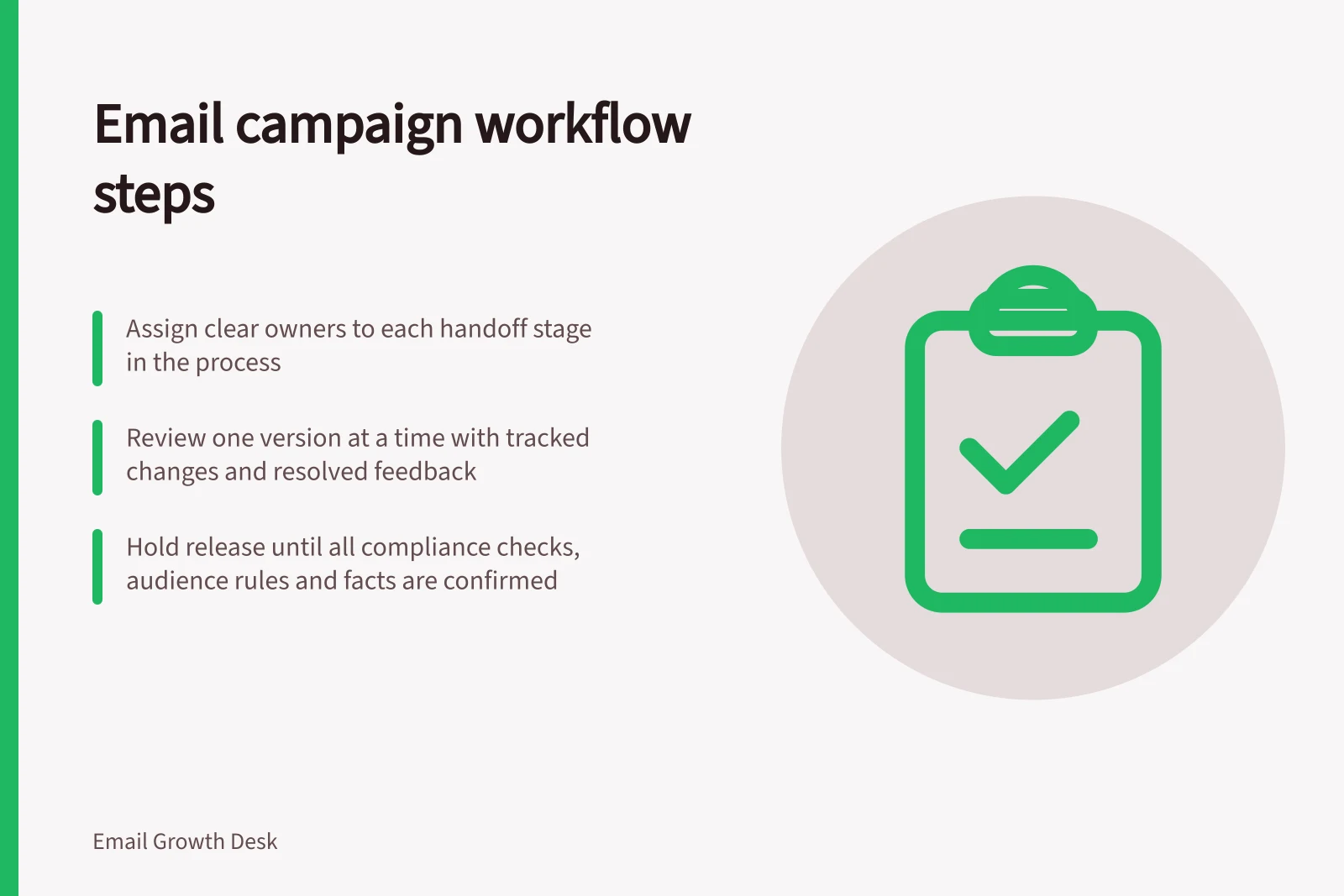
An email campaign production workflow takes a message from an agreed brief to a release decision. Give each handoff an owner, tie approvals to an identifiable version, and allow time to correct the final build before sending.
Move the campaign through defined handoffs
| Stage | Output needed before handoff | Decision owner |
|---|---|---|
| Brief | Audience, purpose, offer, required facts, destination and deadline | Campaign owner |
| Draft | Copy and design that answer the brief, with open questions marked | Writer and designer |
| Review | Consolidated decisions on claims, offer, audience and presentation | Named reviewers |
| Build | An identifiable email version in the sending platform | Builder |
| Release | A decision on the final version, recipient rule and send settings | Release owner |
One person can hold several roles in a small team. Reviewers still need a clear remit and deadline.
A product specialist might confirm availability and conditions; an editor might resolve clarity and tone.
The campaign owner settles conflicting requests and confirms who decides whether the audience is appropriate.
Keep the brief useful as work changes
Record the reader’s task, main action and facts that must remain accurate. For each offer detail, identify its source and who can confirm it.
If a workshop invitation depends on a venue confirmation, mark the location as provisional rather than letting it enter approved copy as a fact.
Pass unresolved questions forward visibly. A proof may be ready for review with a clearly marked question. It is not ready for release while a material fact remains unresolved.
Review one version at a time
Identify the copy or proof under review and collect comments against it. Resolve conflicting requests before issuing a new version. Approval of an earlier proof should not silently carry over to a changed price, date or audience rule.
Ask reviewers to distinguish a required correction from a preference. If feedback changes the offer or intended reader action, return the decision to the campaign owner. After approval, record each later change and repeat the reviews it affects.
Make release a decision
Before scheduling, the release owner needs the final version, intended recipient rule, send time and time zone, unresolved issues, and results of relevant pre-send checks.
Record any required compliance review separately. Approval of wording alone does not establish that the review has been completed.
Hold the send when a material claim, audience rule, primary destination or unsubscribe route remains uncertain.
For a late correction, identify who confirms the fact, who changes the build and who approves the revised version.
A completed task entry is not evidence that a link, recipient state or received email was checked. Keep the actual check results with the release record.
After the campaign, retain the approved version, material decisions and exceptions together. Review where work stalled or had to be repeated, then improve the next brief, review window or reusable component.
Key Compliance & Best Practice Stats
- Top marketing automation tool in Australia
- Salesforce Marketing Cloud
- Common cause of email compliance failure
- Missing unsubscribe mechanism
In this guide
- Briefing writers and designers for a campaignBuild a campaign brief that gives writers and designers the reader task, confirmed facts, deliverables and review owners they need.
- Versioning email copy during approvalsKeep email approvals tied to a specific copy version, resolve comments in one place and reconcile the built message after changes.
- Assigning responsibility for a last-minute correctionDecide who pauses, confirms, edits and approves an email campaign when a material correction arrives just before release.
- Maintaining reusable campaign componentsKeep reusable email headers, sections, actions and footers accurate with owners, versions, usage records and checks before each send.