List Building
Part of Managing inactive email subscribers
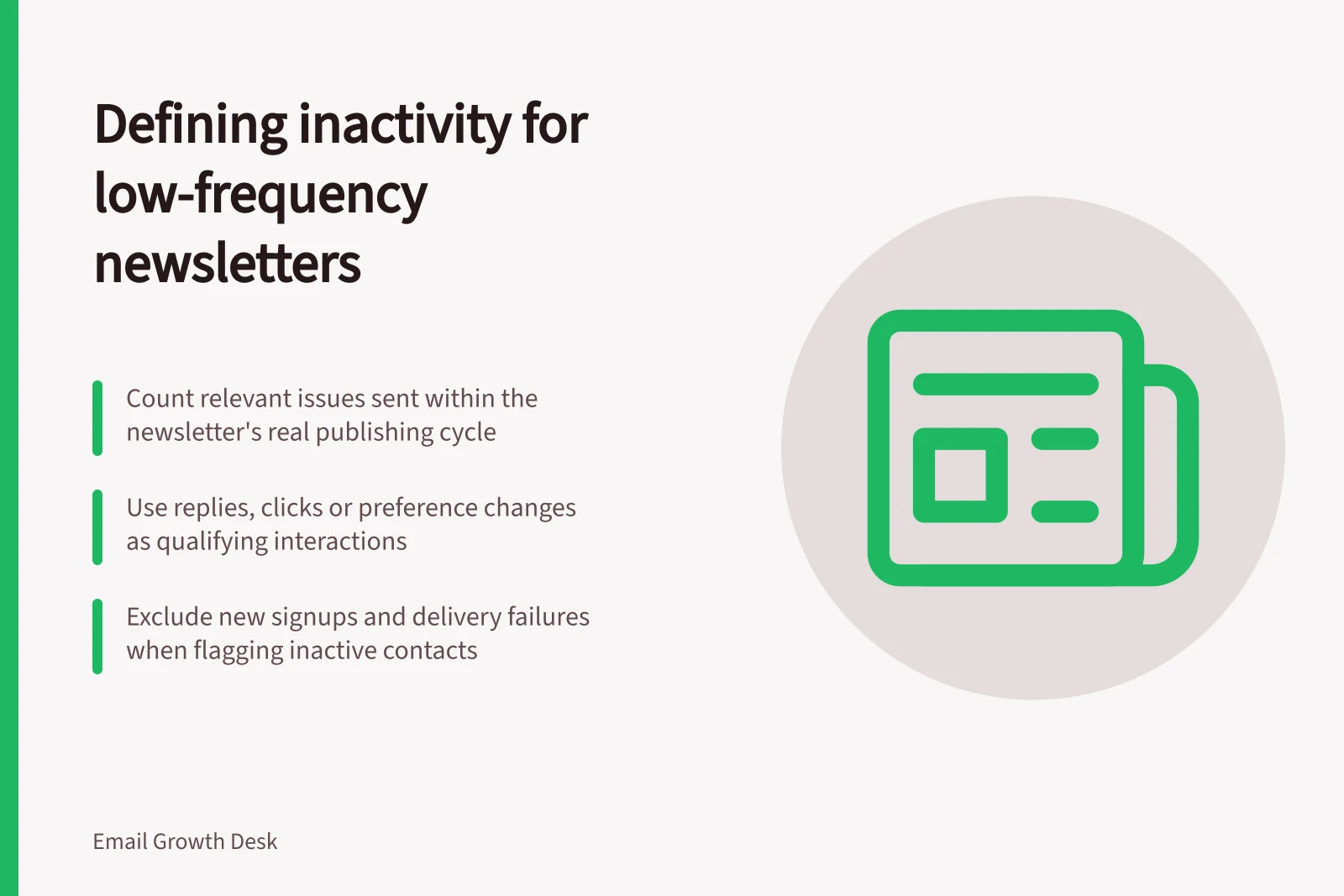
Defining inactivity for a low-frequency newsletter
Define inactivity for a monthly or seasonal newsletter using relevant sends, suitable interaction signals and exceptions for new subscribers.
Define inactivity for a low-frequency newsletter by counting relevant issues sent to an eligible subscriber, with elapsed time as context. Do not judge a monthly or seasonal reader by a rule built for weekly campaigns. A send record indicates opportunity only; it does not prove inbox placement or reading.
Count opportunities fairly
List the issues in the period under review. For each subscriber, exclude issues sent before they joined or while they were outside the intended audience. Review recorded delivery failures separately. Keep the signup date, newsletter promise and relevant send history with the rule.
Choose a window that covers enough normal editions to be useful. A newsletter sent roughly every two months might have no issue within a 30-day window. A better review flag could cover several relevant editions across its publishing cycle. The edition count and period must come from the real schedule; neither is an industry threshold.
If the organisation stopped publishing for months, label the group as not recently mailed. Review the original promise, permission and address quality before resuming. That is a different question from whether people interacted with current issues.
Key Considerations for Low-Frequency Newsletters
- Excluded sends
- Pre-signup issues and those sent while outside target audience.
- Delivery failures
- Review separately—do not count them as inactivity.
- Permission and address quality
- Reassess before resuming publication after long gaps.
Choose a signal the newsletter can produce
A reply, deliberate preference choice or relevant click may show interaction. Decide which signals count before building the segment. A purchase elsewhere may show an ongoing customer relationship, but it does not automatically show interest in this newsletter or replace its marketing permission record.
Opens require care. Image blocking can hide them, and Apple Mail can download remote content before a person views the message.
Automated systems can affect clicks, and a useful newsletter may answer the reader’s question without a click. ‘No qualifying interaction recorded’ is therefore more accurate than ‘has not read the newsletter’.
Do not use a contact rating without understanding its inputs.
Inactivity Signals: What to Use and What to Avoid
- Use: Reply to the newsletter
- Direct engagement; indicates interest.
- Use: Deliberate preference change
- Shows active involvement in subscription management.
- Use: Relevant click (e.g., on a link in the body)
- Indicates content interest; avoid clicks from bots or auto-loads.
- Avoid: Opened email
- Can be falsely triggered by Apple Mail downloading images; not reliable.
- Avoid: Purchase elsewhere
- Shows customer relationship but not interest in this specific newsletter.
- Avoid: Contact rating without understanding inputs
- May reflect unknown or automated factors; not transparent.
Write and inspect the rule
State the audience, observation period, number of relevant issues, qualifying interactions and exceptions. For example, a team might flag eligible contacts sent several specified editions without a qualifying interaction, while excluding newer signups and reviewing delivery failures. The flag should trigger a record review before any choice email or pause.
Inspect examples of flagged contacts for late signup, skipped segments and messages that gave readers no reason to click. Revise the rule if those cases are common. Revisit it whenever the newsletter’s cadence or format changes.
![Check if subscribers still want emails: Under the Spam Act 2003 (Cth), consent and a working unsubscribe link are mandatory.; Use Mailchimp’s inactive segment only as a starting point—verify permission and signup context.; If no response by [date], pause the newsletter, not unsubscribe, per policy. Asking subscribers whether they still want emails](/covers/asking-subscribers-whether-they-still-want-emails-640.webp?v=5d185c05)