Deliverability
Separating domain reputation from campaign engagement
Compare domain-level delivery signals with campaign actions without drawing conclusions from a single reputation, spam or open-rate figure.
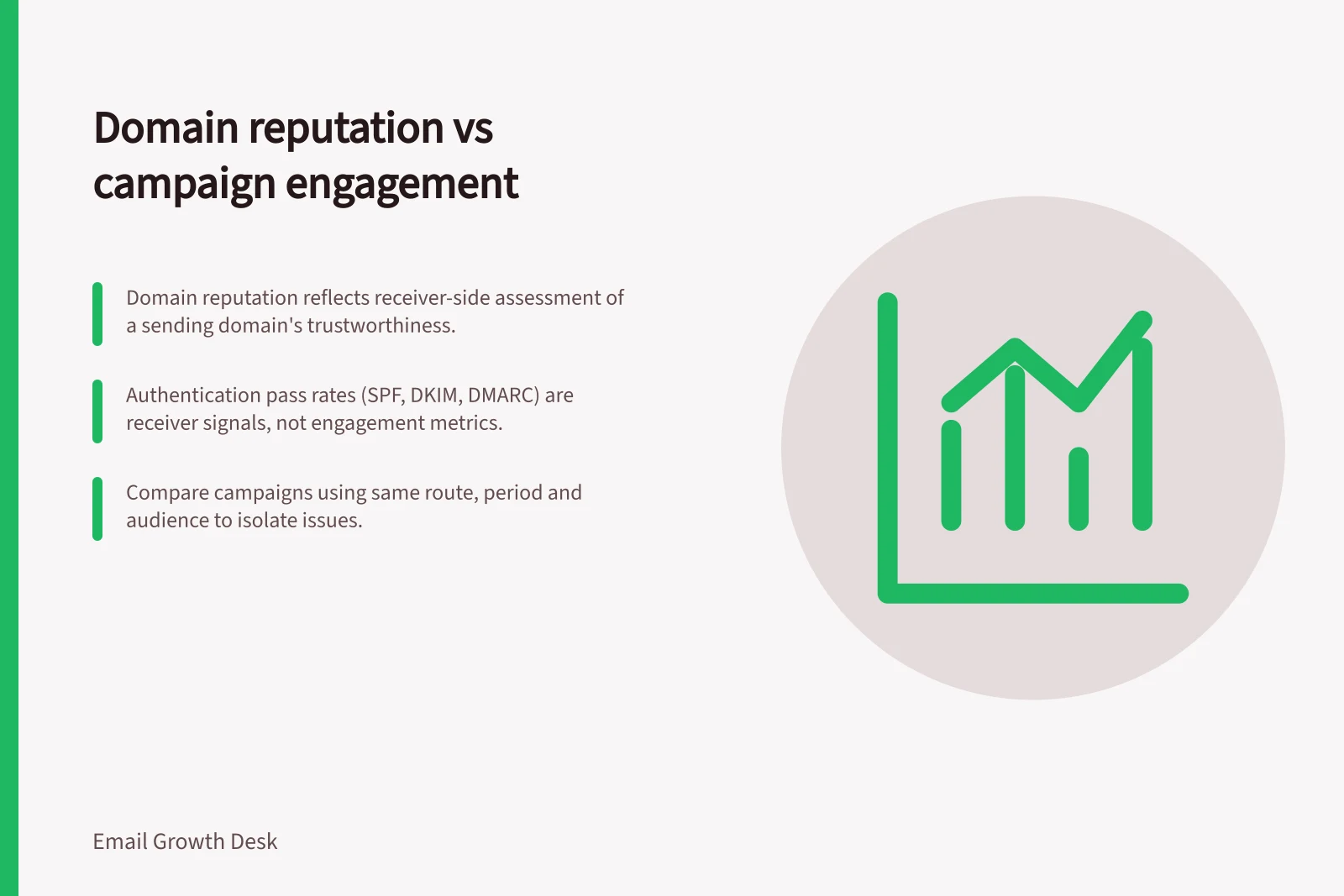
Domain reputation describes how a receiving service assesses mail associated with a sending domain. Campaign engagement reports record actions on particular sends. Few clicks in one campaign do not, by themselves, show poor domain reputation. A favourable receiver signal does not prove that a campaign was useful.
To decide what to investigate, compare the same recipient service, period and sending route. Then examine the audience and message for the campaign in question.
Know what each report covers
Where receiver-side data is unavailable, record the gap rather than treating it as favourable.
Google Postmaster Tools reports domain reputation, IP reputation, spam complaint rate, authentication pass rates and delivery errors for Gmail mail. Google does not publish the volume threshold for reputation data; it appears only after a domain sends enough mail.
Read authentication pass rates with the named mechanisms SPF, DKIM and DMARC in mind. A failure is receiver-side authentication evidence, not a campaign engagement measure.
Microsoft Smart Network Data Services (SNDS) is the Outlook and Hotmail view, but reports only on sending IP ranges you own or have delegated; a shared provider may leave you with no SNDS data. In that case, consult Microsoft's postmaster documentation and per-provider bounce logs. Yahoo Sender Hub offers a free third receiver opinion, although it may cover a smaller share of a B2B list.
On the campaign side, compare delivered messages, bounces, opens and clicks in the platform's reports; Mailchimp's Email Reports are one named example and distinguish soft and hard bounces. Check report definitions and denominators before comparing campaigns.
A recorded open is usually an image-loading event, not proof of reading. Mailchimp's bot-activity guidance notes that Apple Mail Privacy Protection (MPP) affects opens and open-related metrics; privacy features and automated activity can also affect opens and clicks. A later booking or sale is a separate event and should be attributed to the email only when the connection is reliable.
Critical Email Delivery & Engagement Metrics in Australia
- Authentication Pass Rate (SPF/DKIM/DMARC)Must be high for good domain reputation. A failure indicates a receiver-side issue.
- Open Rate (Apple MPP Impact)May be artificially low due to privacy protection. Not reliable as a standalone engagement indicator.
- Click-to-Booking AttributionOnly valid if tracking links have reliable UTM parameters and cookie persistence.
Compare patterns, not isolated figures
Record the sending route, recipient-domain mix, eligible audience, message purpose, sent and bounced counts, available receiver signals and intended action. Then compare campaigns that share relevant conditions.
Keep receiver-side and campaign-side figures separate: receiver-side data includes domain and IP reputation, spam complaint rate, authentication pass rates and delivery errors; campaign-side data includes delivered messages, bounces, opens and clicks. Match the provider, period and route, and use campaign report definitions and denominators so each set describes comparable mail.
Observation / Next question
- Authentication failures or rejections appear across campaigns using one route.
- Did that route or a receiver requirement change?
- Available receiver signals worsen across different messages from the same authenticated domain.
- Did sending behaviour, audience quality or complaints change?
- One campaign records fewer actions while comparable campaigns use the same route.
- Was its audience, message or destination different?
- Opens change sharply without a similar change in other useful actions.
- Did image loading, tracking or bot filtering change?
Across campaigns on the same route, changes in domain or IP reputation, complaints, authentication pass rates or delivery errors suggest a domain or route issue to investigate. If receiver signals stay similar while one campaign's opens, clicks or intended action change, examine its audience and message. Neither pattern proves the cause.
These patterns are prompts, not diagnoses. A weak campaign can affect later domain treatment, and filtering can alter the actions a campaign appears to record. Seek corroborating evidence before assigning a cause.
State what the evidence cannot settle
Domain reputation, IP reputation, spam complaint rate, authentication pass rates and delivery errors are distinct receiver-side signals. A receiver-side spam signal is one indicator, not a measure of inbox placement or a complete measure of recipient experience.
Likewise, report clicks as clicks. Check the platform's available bot filtering, but do not call link clicks bookings or sales without reliable attribution. If receiver data is unavailable, state that gap rather than treating its absence as a favourable signal.
A useful conclusion names the observed change, the mail and audience covered, and the next check. If both receiver signals and campaign actions changed, investigate both. One dashboard number cannot assign the cause on its own.