Email Measurement
Part of Diagnosing weak email campaigns
Strong clicks but no sales: checking the destination page
Trace a recorded email click through the landing page and checkout, checking offer consistency, page access and purchase measurement.
If the intended email link records substantial clicks but the order system shows no completed sales in the chosen period, trace the destination and purchase journey before changing the email. A recorded click proves neither that the page loaded nor that a purchase occurred.
Trace the click through to a completed sale
- Identify the exact link in the final sent email
- Separate clicks on that link from unrelated links and repeat clicks
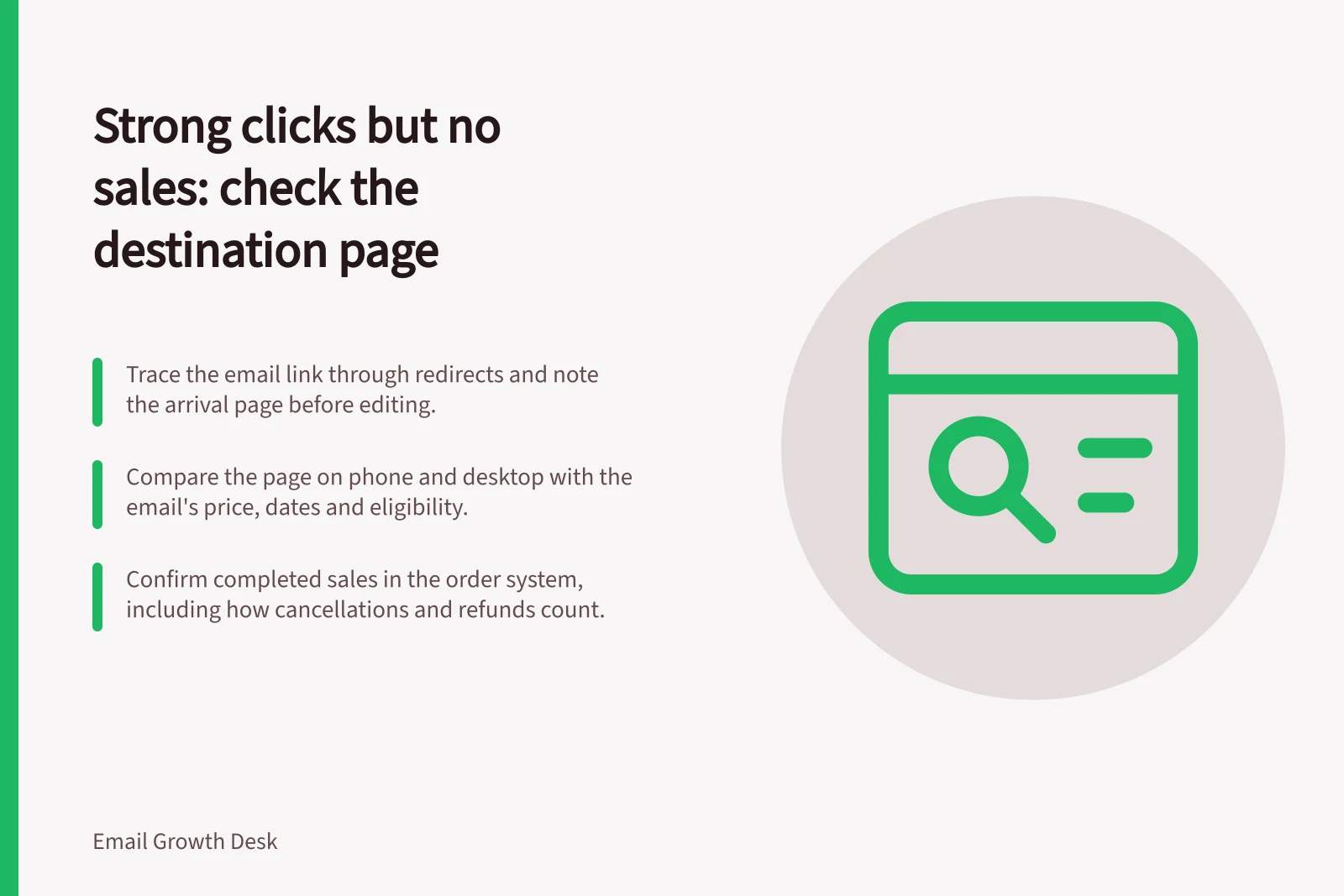
- Follow redirects and note the final arrival page
- Compare the final email’s promise with the page on phone and desktop
- Compare landing sessions, product or form actions, checkout starts and completed orders
- Confirm completed sales in the order system for the agreed period and status rule
- Fix the fault the evidence supports, or record what remains unknown
Confirm the link and arrival page
Identify the exact link in the final sent email. Separate clicks on it from clicks on unrelated links, and distinguish unique recorded recipients from repeat clicks. Follow the link through its redirects and note where it ends. A working URL may still open a category page when the email promised a particular product.
If Google Analytics is configured, tagged links can help identify campaign traffic. Sessions are not a one-to-one count of email clickers. Automated clicks, redirects, blocked collection and different counting rules can complicate the comparison.
Compare the page with the email’s promise
Use the final email to check the destination on a phone and on desktop.
- Is the promised item or offer easy to find?
- Do price, dates, availability and eligibility conditions agree with the email?
- Does the main page action describe the next step accurately?
- Is any required sign-in or payment step clear?
- Can an eligible visitor complete the journey?
A workshop email that opens a general events calendar presents a routing or promise mismatch. If the page matches but the journey stops later, investigate that step. A click count alone cannot locate the fault.
Check the destination page against the email’s promise
- Is the promised item or offer easy to find?
- Do price, dates, availability and eligibility conditions agree with the email?
- Does the main page action describe the next step accurately?
- Is any required sign-in or payment step clear?
- Can an eligible visitor complete the journey?
Locate the missing completion
Where the systems collect them, compare relevant landing sessions, product or form actions, checkout starts and completed orders. Missing purchase data in an analytics report does not by itself establish that no orders occurred.
Use the order system to confirm completed sales for the agreed period and status rule, including how cancellations or refunds are treated. Keep an email platform’s attributed orders separate from analytics attribution. The same order may appear in both reports, and attributed sales are not proof that email caused an additional sale.
Make the next correction
Fix the fault the evidence supports: an incorrect link, a mismatched offer, a condition hidden until checkout, a failing completion step or missing measurement. If no fault is confirmed, record what remains unknown. “Clicks were recorded but no completed sale was found under this rule” is supported by those records; “the landing page failed” requires evidence of a page fault.