Email Measurement
Part of Email campaign measurement
Comparing click rate with click-to-open rate
Compare email click rate and click-to-open rate with clear formulas and an example, then choose the figure that fits your question.
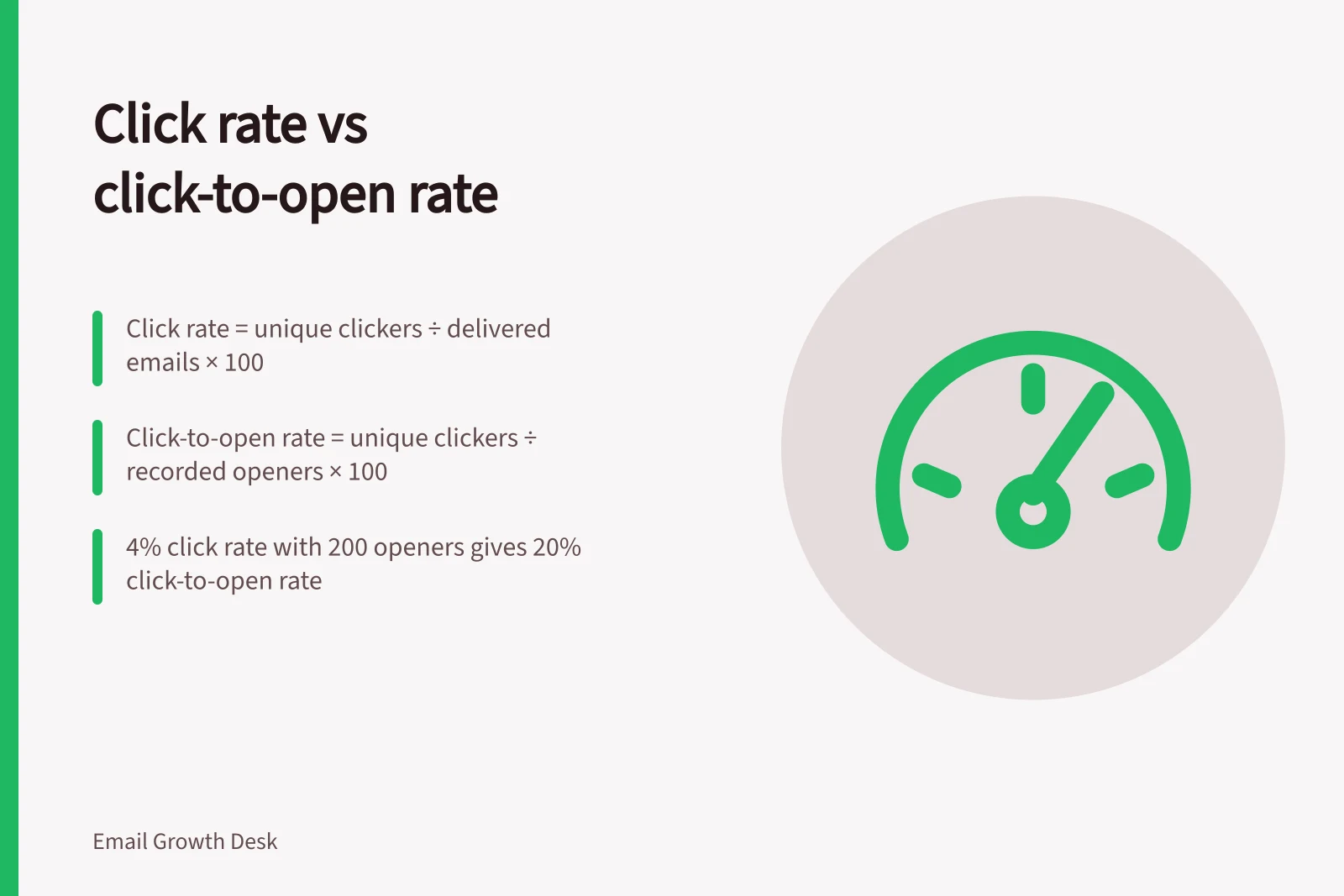
Click rate compares unique clickers with successfully delivered emails. Click-to-open rate compares unique clickers with recorded openers. The second denominator depends on open tracking, so the two percentages can diverge even when the click count stays the same.
Calculate with matching counts
Count each recipient who clicked a tracked campaign link once. Use the same campaign, observation window and filtering setting for both calculations.
| Measure | Calculation | What it describes |
|---|---|---|
| Click rate | Unique clickers ÷ successfully delivered emails × 100 | Recorded clickers relative to delivered recipients. |
| Click-to-open rate | Unique clickers ÷ unique recorded openers × 100 | Recorded clickers relative to recorded openers. |
Check your provider’s definitions before using its dashboard labels: link exclusions, automated-click filtering and the delivery denominator can differ. Some providers count a tracked click as an open. If yours does not, check whether the groups overlap before describing click-to-open rate as the share of openers who clicked.
Do not divide total link clicks, which may include repeats, by unique openers and present the result as a share of people.
Read a worked example
Suppose a hypothetical send has 1,000 successfully delivered emails, 200 unique recorded openers and 40 unique clickers. Click rate is 40 ÷ 1,000, or 4%. Click-to-open rate is 40 ÷ 200, or 20%. Under this counting rule, 4% of delivered recipients recorded a click.
Now suppose another send has the same 1,000 deliveries and 40 clickers, but 400 recorded openers. Click rate remains 4%; click-to-open rate falls to 10%. That fall does not, on its own, show that the message became less useful. The open count, audience or tracking conditions may have changed.
Choose the figure for the question
A delivered-email denominator keeps the reached group in view, although reported delivery does not establish inbox placement. A tracked click also does not prove the destination loaded. Automated security services can generate clicks, so inspect the provider’s filtering setting and unusual patterns when possible.
The open denominator has another weakness. Blocked images can prevent an open from being recorded; privacy features can request remote content before someone views the email. Click-to-open rate may therefore change even if recorded clickers do not.
If the question is how many delivered recipients clicked the intended guide link, show the unique click count, click rate and delivery count. Click-to-open rate can add context about the provider’s recorded openers if its limitations are stated. For a booking or purchase campaign, a reliably connected completion is closer to the intended outcome than either click measure.
Compare rates only alongside their raw counts, audiences, link purposes, windows and provider definitions. A higher click-to-open rate can accompany fewer actual clickers.